.png)
Select the project from the dropdown where billing export was enabled
Steps to Enable cloud resource Manager API
-
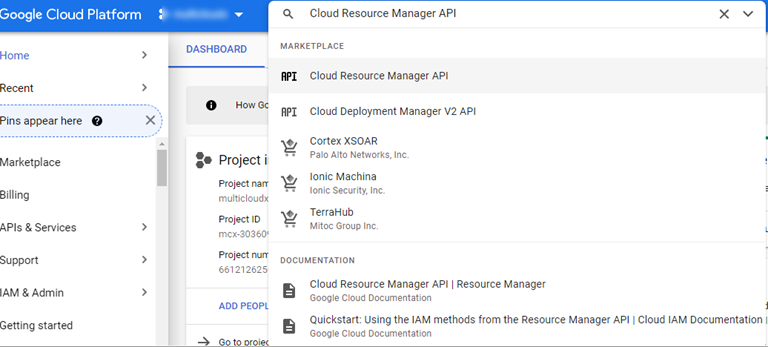
Enter Cloud Resource Manager API in the Search bar and Select.
-
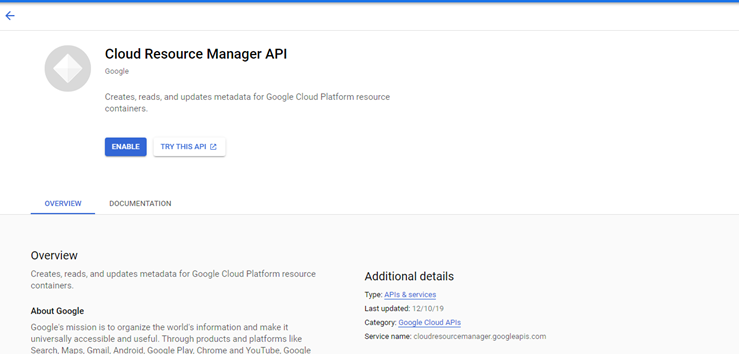
If there are multiple projects, it asks you to select a project, or the below page is displayed after selecting Cloud Resource Manager API from the search box.
-
Click Enable.
-
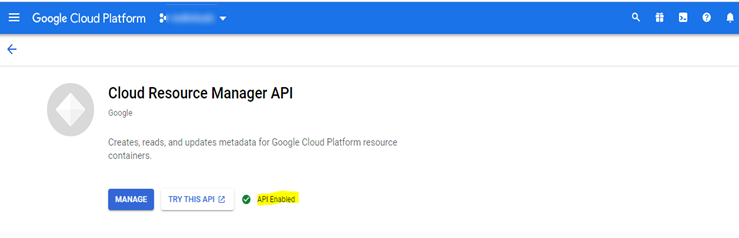
Resource manager API gets enabled successfully as shown below.