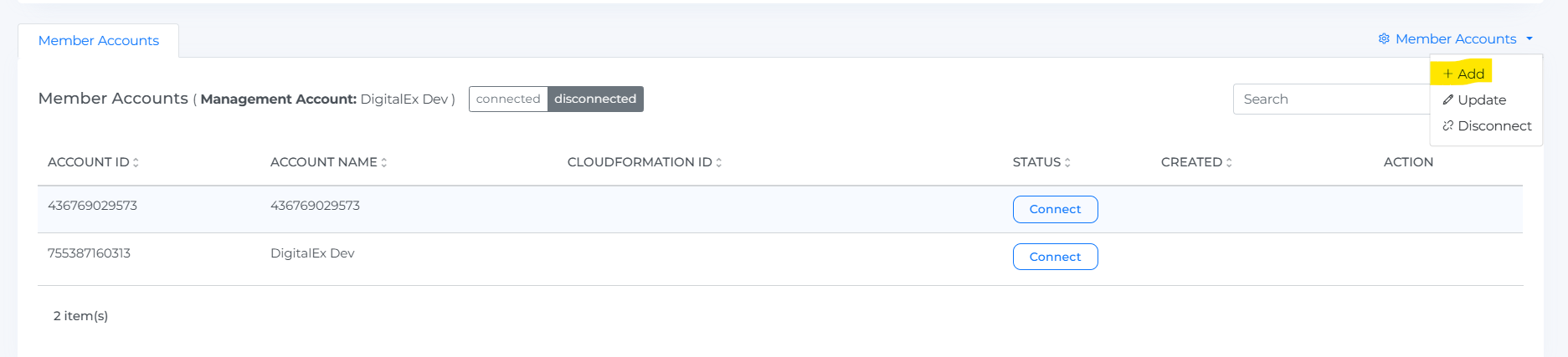
.png)
Below are the steps to Run the Template.
-
You can select the desired region for the upload and then click the Run Template button.
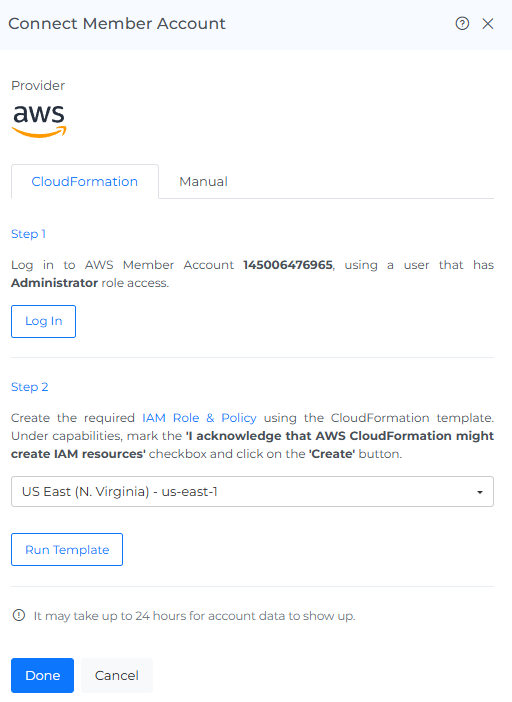
-
The page is navigated to AWS cloud formation where all the details will be auto generated.
-
Change the stack name.
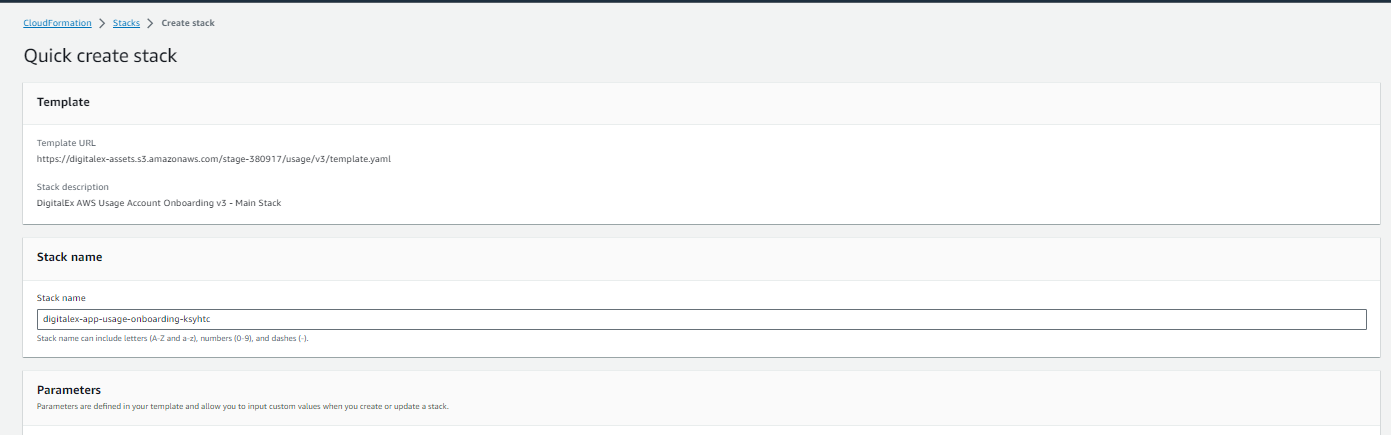
Enter the CloudFormation stack name
-
Check I acknowledge that AWS Cloud Formation might create IAM resources.
-
Click the Create Stack button and wait till the template running is completed and the status in AWS shows as CREATE_COMPLETE.
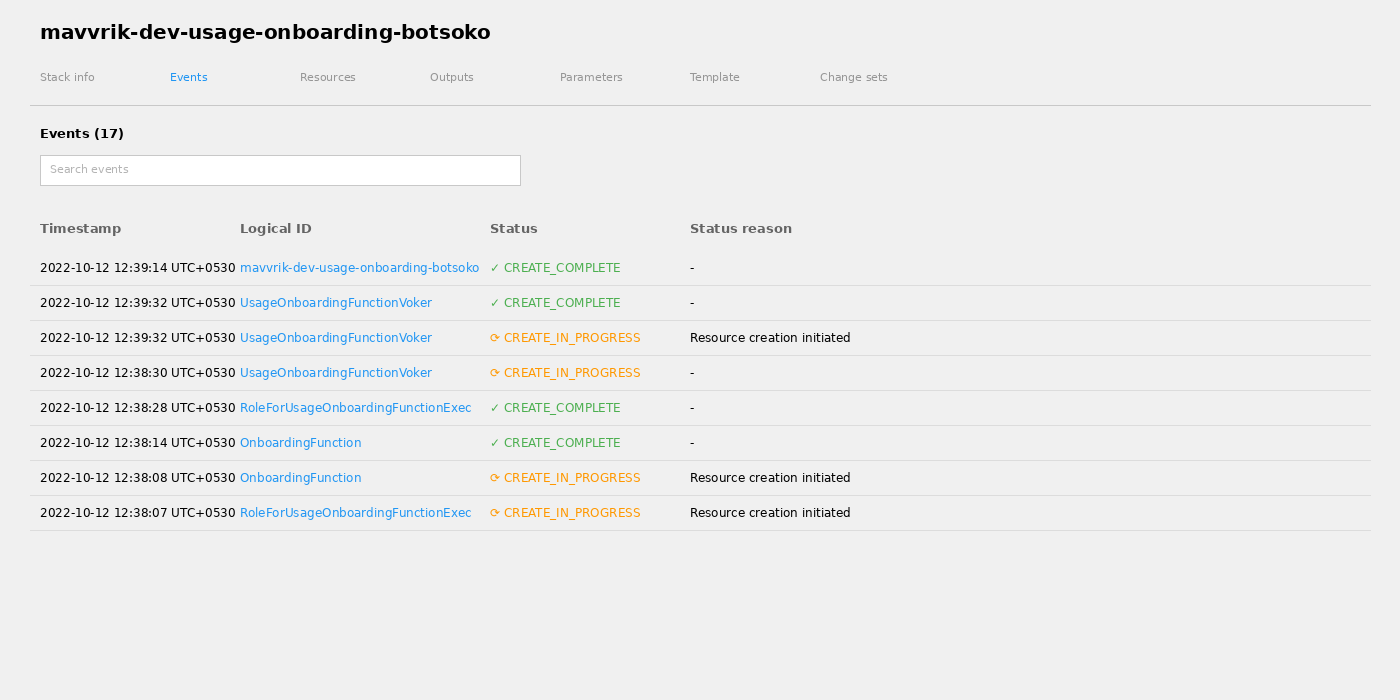
Create the CloudFormation stack
-
Click on the Done button after the template running is successfully completed.
-
On-boarded Member Account will be displayed on the list of member account
-
Click the Resource from a Menu option.
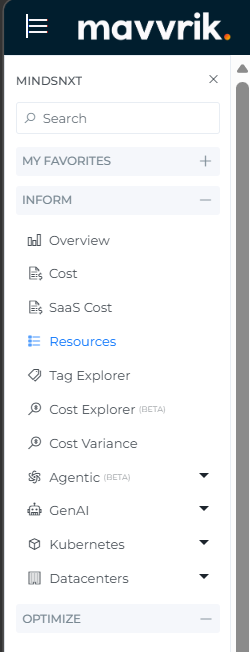
-
Resources take up to 2 hours to discover in Mavvrik and will be displayed below.
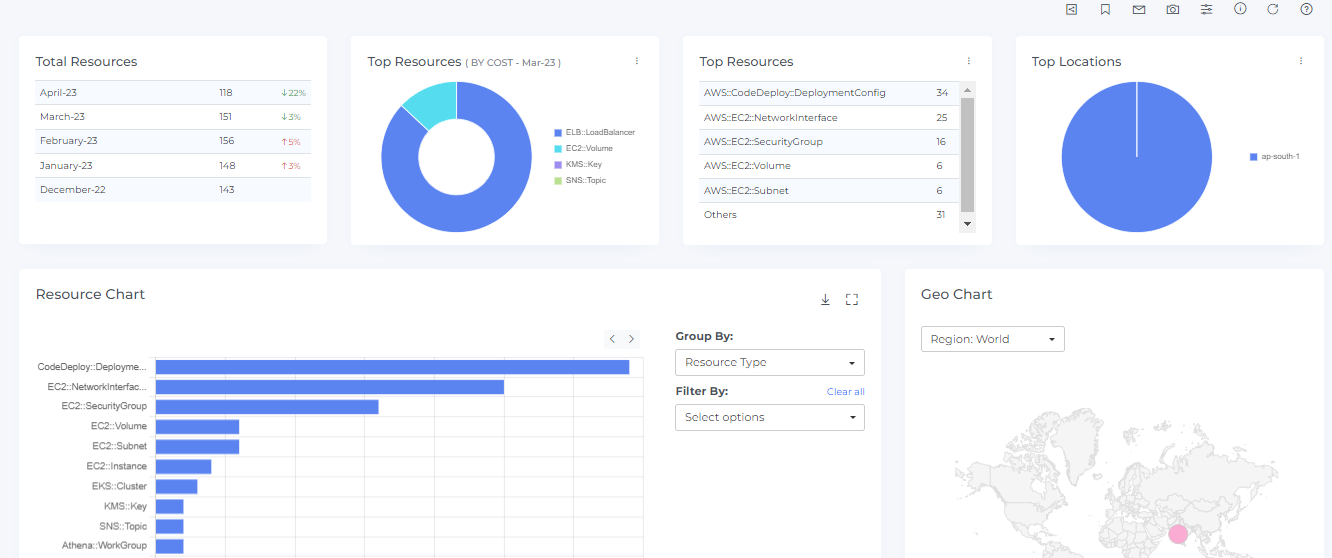
After performing the initial bulk onboarding, if any new member accounts are added in AWS, you can easily onboard these newly discovered accounts by clicking on “Add” under the “Member Accounts” menu.