.png)
Below are the steps to log in to Mavvrik
-
Login to Mavvrik
-
Click on Menu Icon at the top left corner
-
Click on Public Clouds under Admin
-
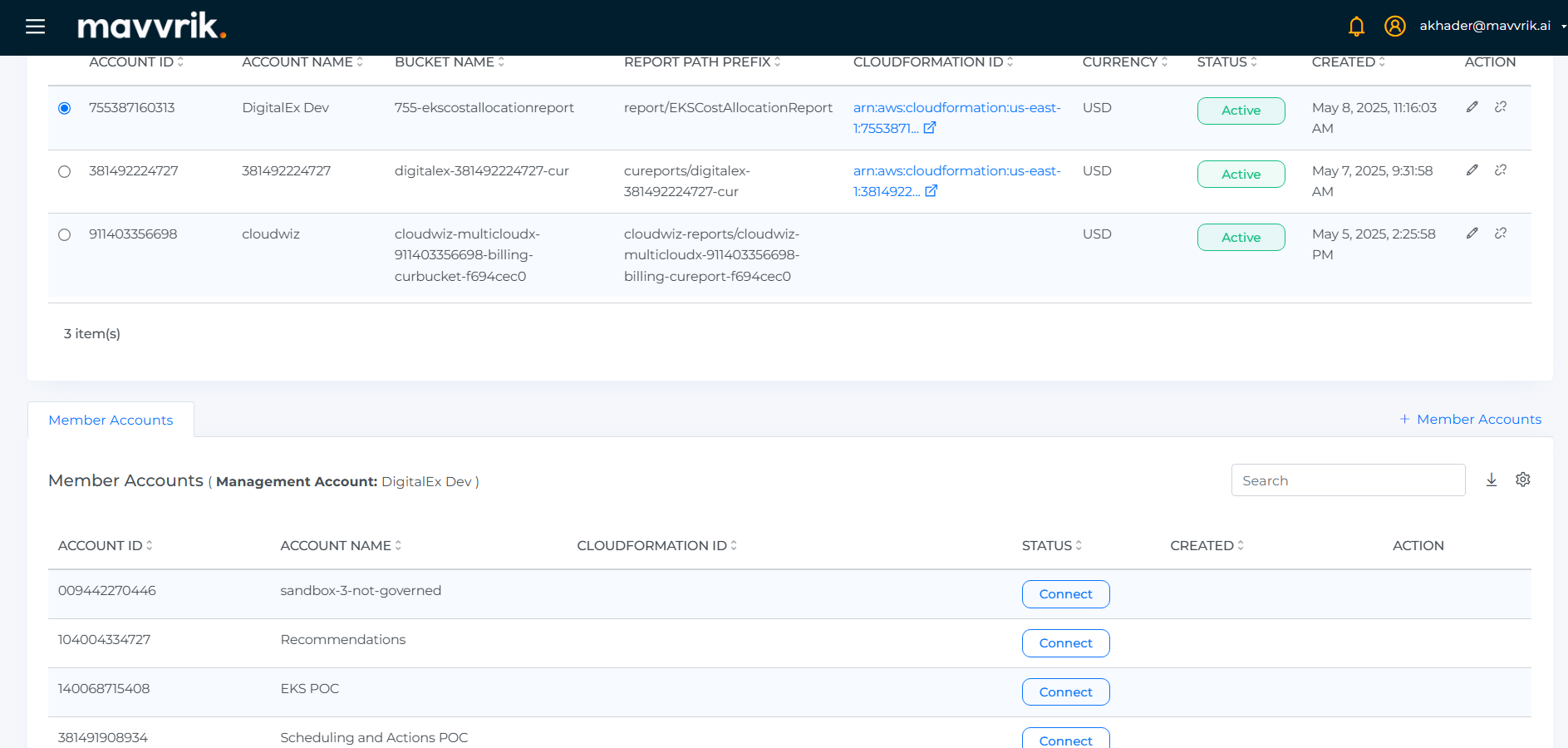
Below Page will be displayed with the list of All linked Member accounts.
-
Click on +Member Accounts at the bottom right corner
-
Click on the Login button, Page is navigated to the AWS login page where the user needs to enter AWS credentials. After successful login into the AWS account, user should come back to Mavvrik to Run Template