.png)
Why this matters: Claude usage across an organization is billed at the account level, but that total doesn't tell you which team or workflow is driving it. Connecting your Claude Enterprise account here brings that usage into Mavvrik's AI Assistant dashboards, the same way other AI spend is tracked.
Before onboarding your Claude Enterprise account, log in to Claude.ai as a Primary Owner and follow the steps below to capture the Organization ID & API key
-
Login to Claude.ai as Primary Owner
-
Navigate to Organization Settings, scroll to the bottom of the page and copy the Organization ID
-
Navigate to Analytics - API Keys page
-
Enable programmatic access
-
Create a key with read:analytics and read:spend_limits scope and copy the generated key
-
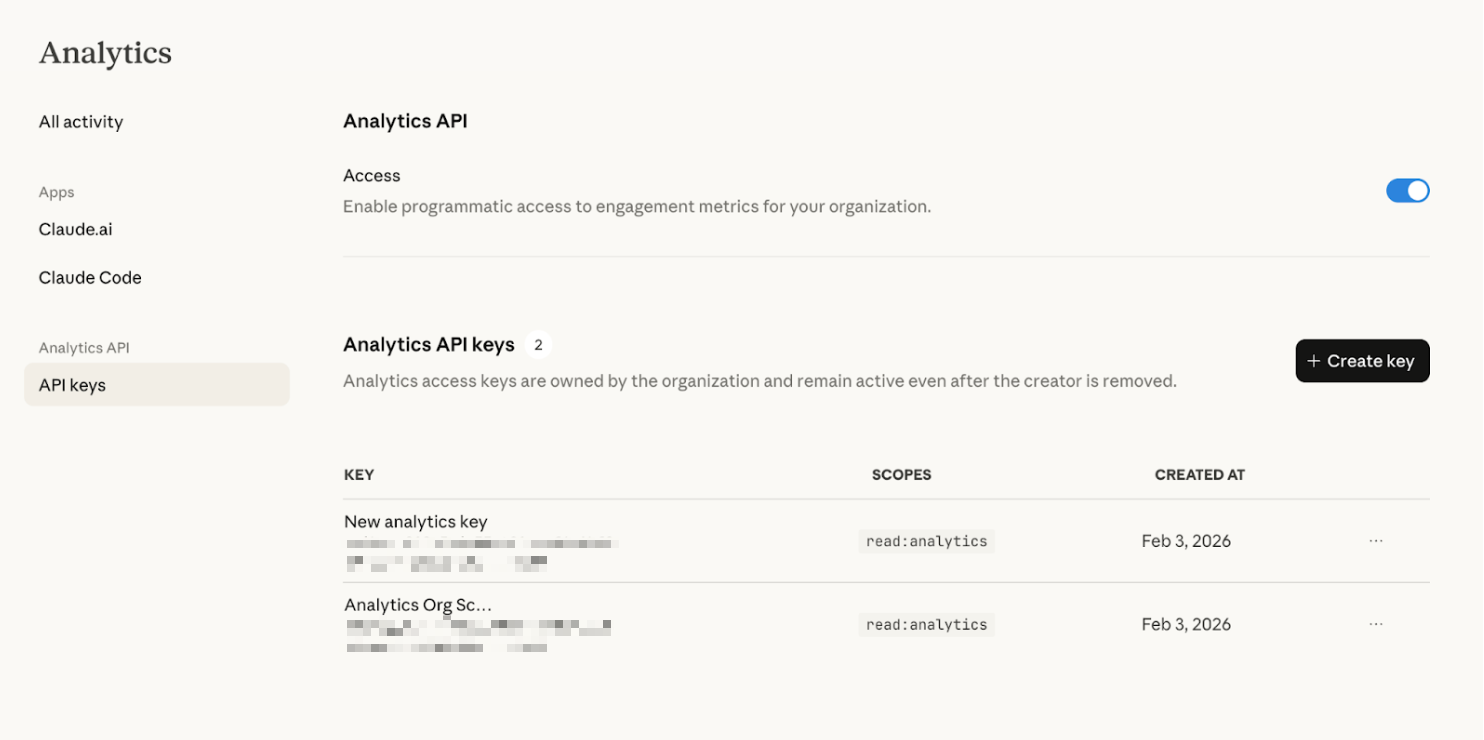
Steps to perform in Mavvrik
-
Go to the Menu
-
Click on Admin → Accounts →GenAI Accounts
-
Click on the '+ Account' button
-
Select Claude
-
Enter Organization ID & API Key
-
Click on 'Connect'
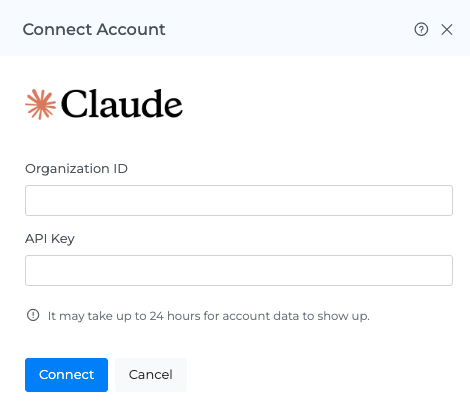
After onboarding is completed, allow up to 24 hours for data ingestion. Once ingestion is complete, cost will be visible under GenAI > Assistants > Cost.
Troubleshooting
-
If the account does not connect, verify the credentials and account details entered in Mavvrik.
-
If a permission error appears, confirm that the configured account has the access required by the onboarding steps.