.png)
-
Go to Menu
-
Click on Public Clouds under Admin
-
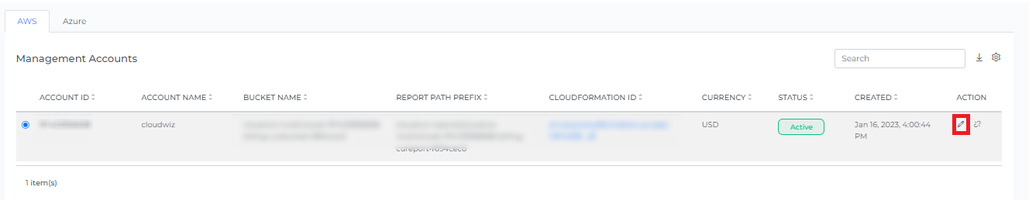
Click on the Edit Button
-
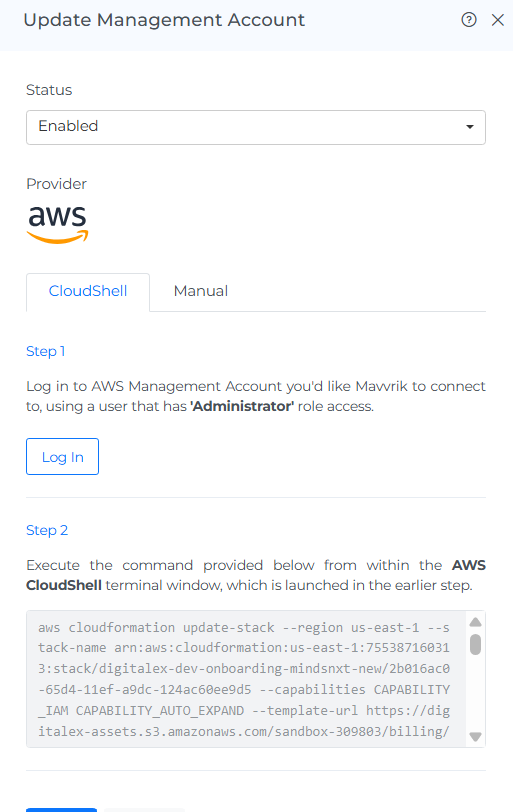
Click on the login button(AWS Cloud Shell will get opened)
Note: Make sure you are logged in to AWS provider account
-
Copy the script
-
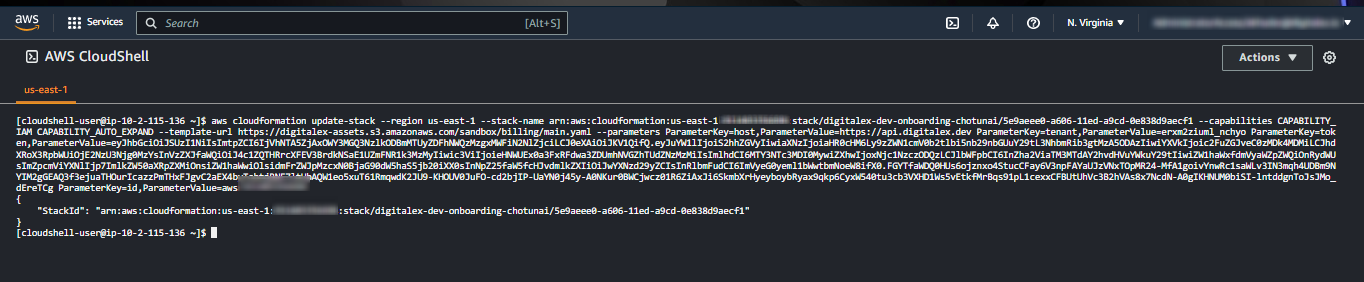
Paste the script into AWS Cloud Shell & Click Enter
-
Come back to Mavvrik & click on Done
-
AWS Management account will get Updated Successfully.