.png)
Steps to Execute the Script from Azure Cloud Shell
-
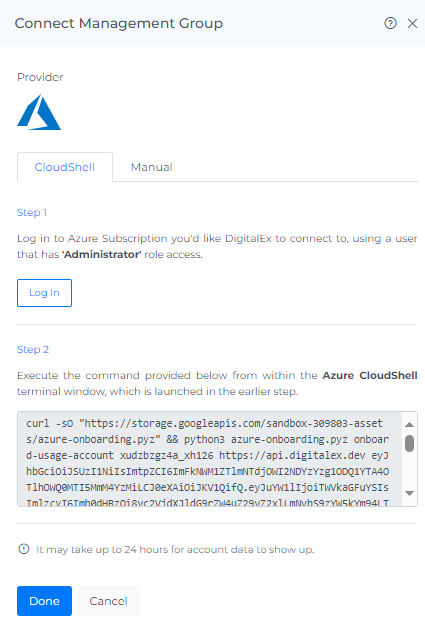
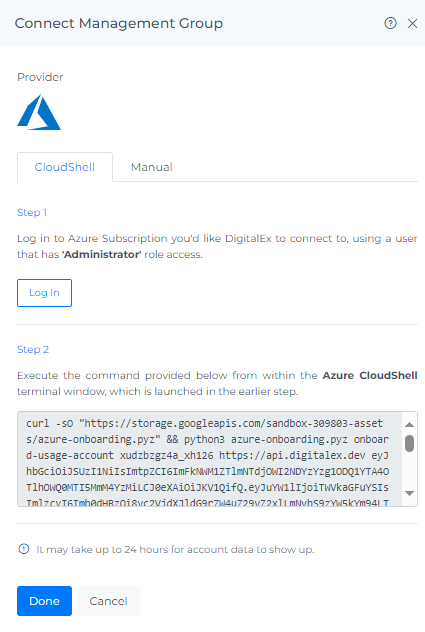
Copy the script and Execute the command provided below from within the Azure Cloud Shell terminal window, which is shown at the bottom part of the Azure Console launched in the earlier step.
-
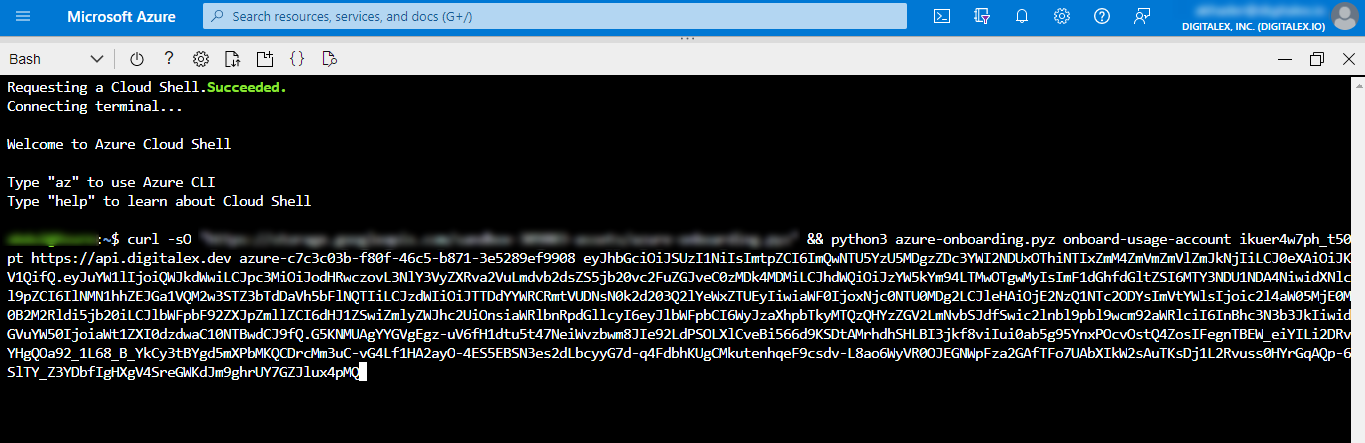
Paste the copied Script and click Enter.
-
Script will run automatically.
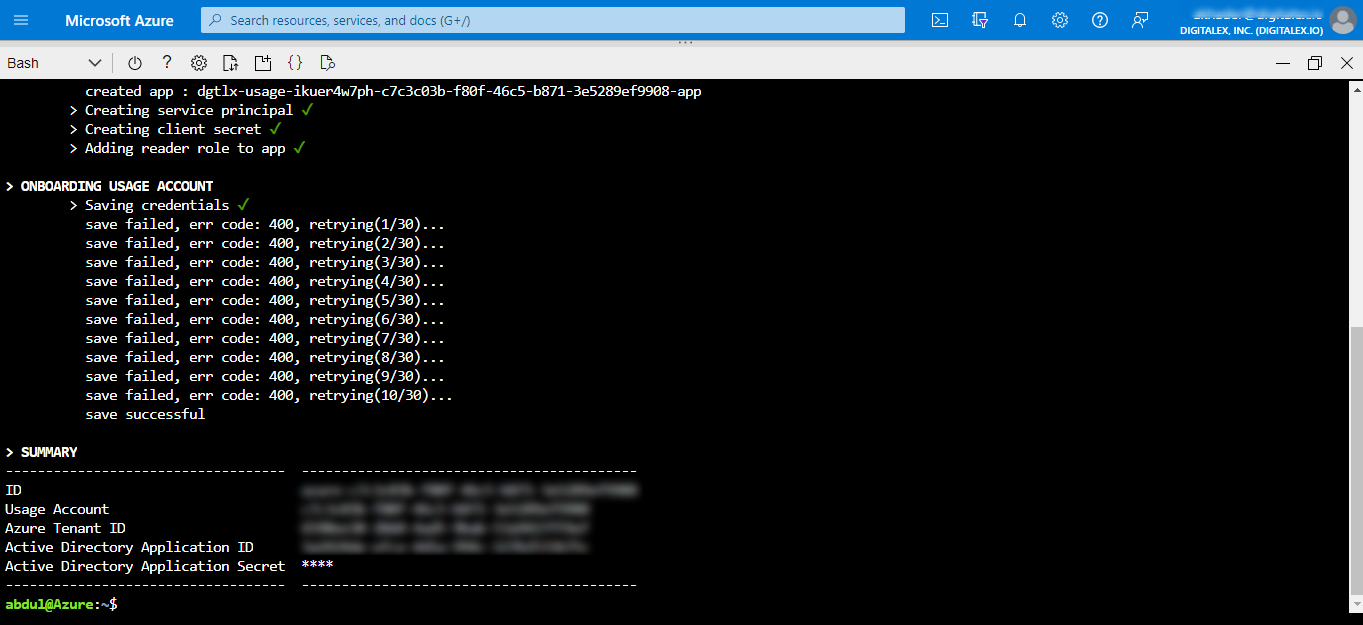
Ignore Bad request syntax or unsupported method retrying messages.
-
Click on the Done button in Mavvrik, after the script running is successfully completed.
-
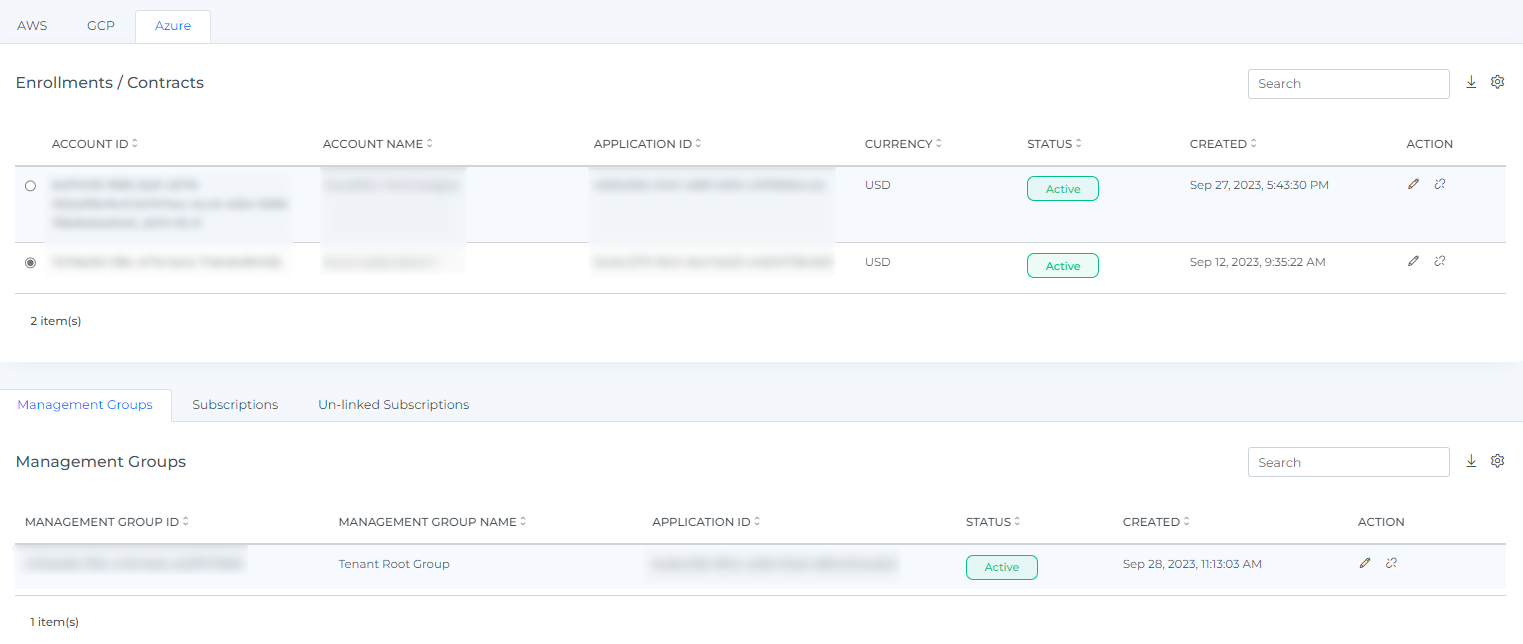
On-boarded Management Group will be displayed with Active Status. It takes up to 2 hours to discover the data.
-
Click the Resource from the Menu option.
-
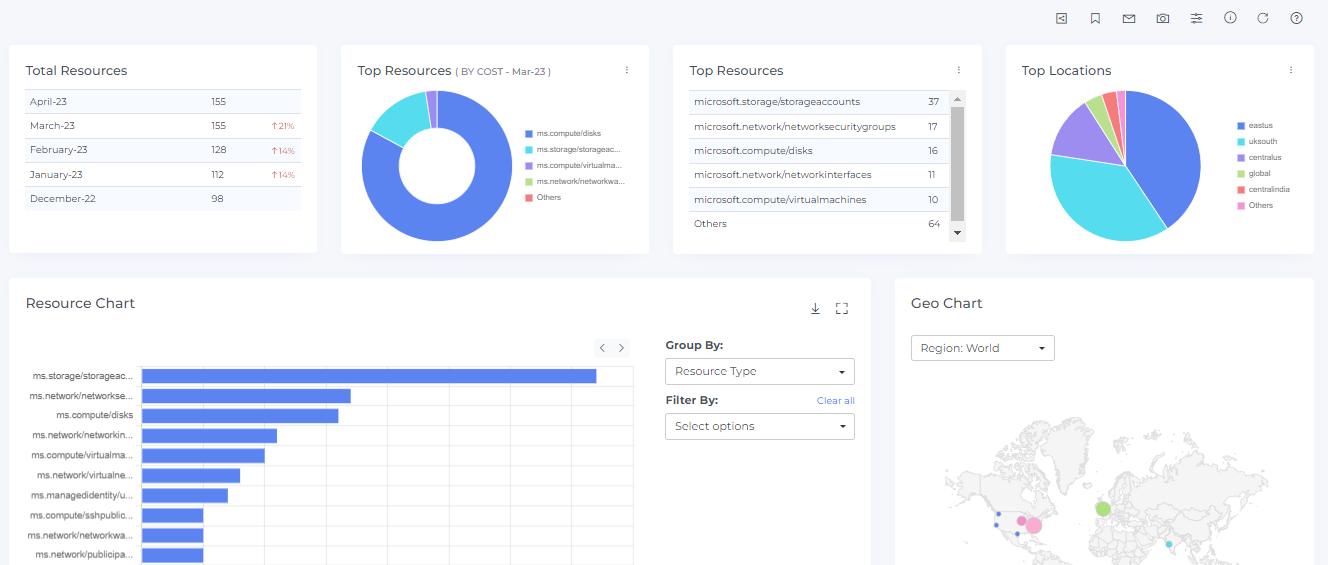
Click on Resources (All the resource data will be displayed)