.png)
If you are onboarding an account for the first time, you will be presented with a screen that allows you to select the option to create a billing account.
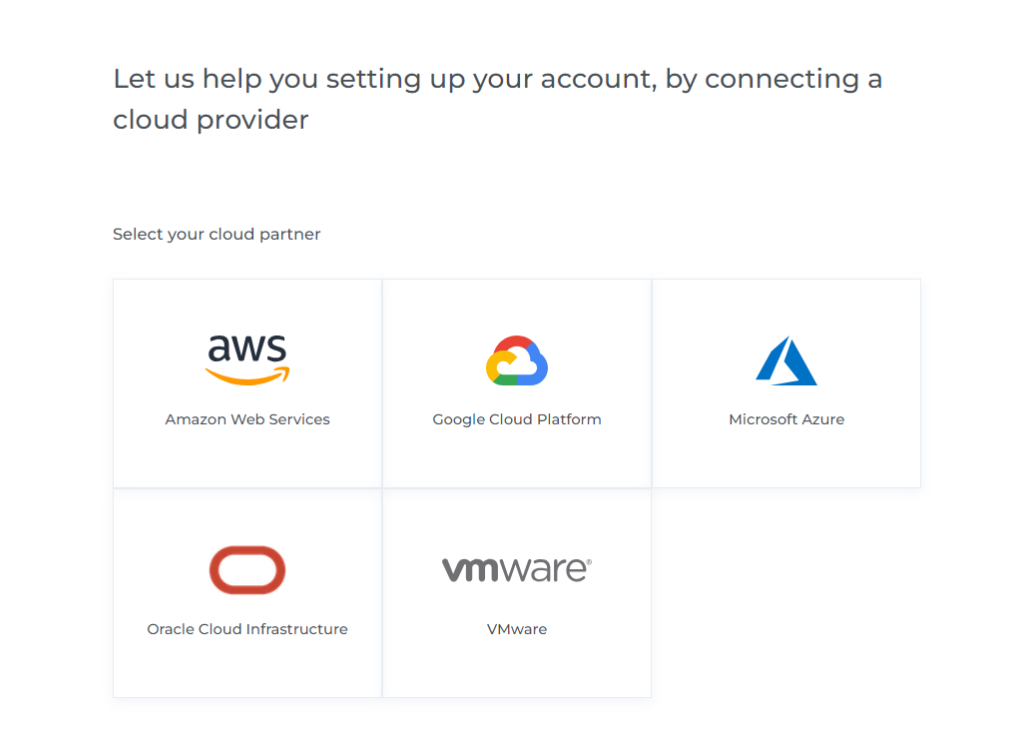
Below are the steps to Connect a Billing account:
-
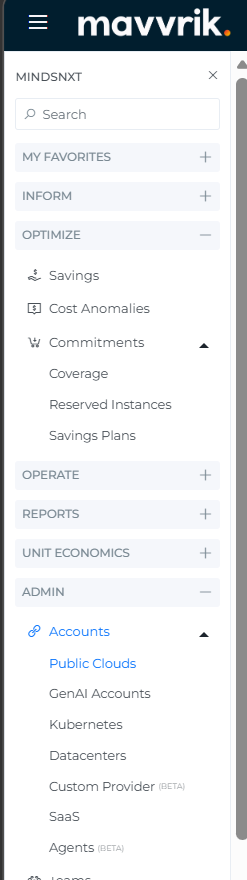
Navigate to Menu > Admin > Public Clouds > +Account > OCI.
-
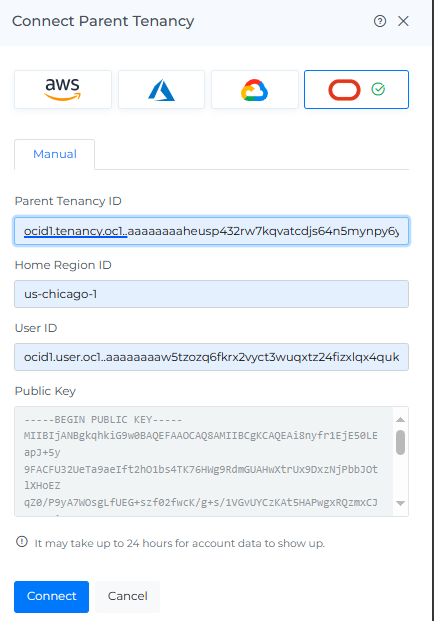
Fill in the following details.
-
Parent Tenancy ID (Step 3: Generate API Key )
-
Home Region ID (Step 3: Generate API Key )
-
User ID (Step 3: Generate API Key )
-
-
Click Connect
-
The onboarded Parent Tenancies will be displayed
Troubleshooting
-
If the account does not connect, verify the tenancy, user, region, fingerprint, and key details entered in Mavvrik.
-
If a permission error appears, confirm that the required OCI policies were created in the correct tenancy.