.png)
Below is the description of the steps to Get Identity Provider Details:
-
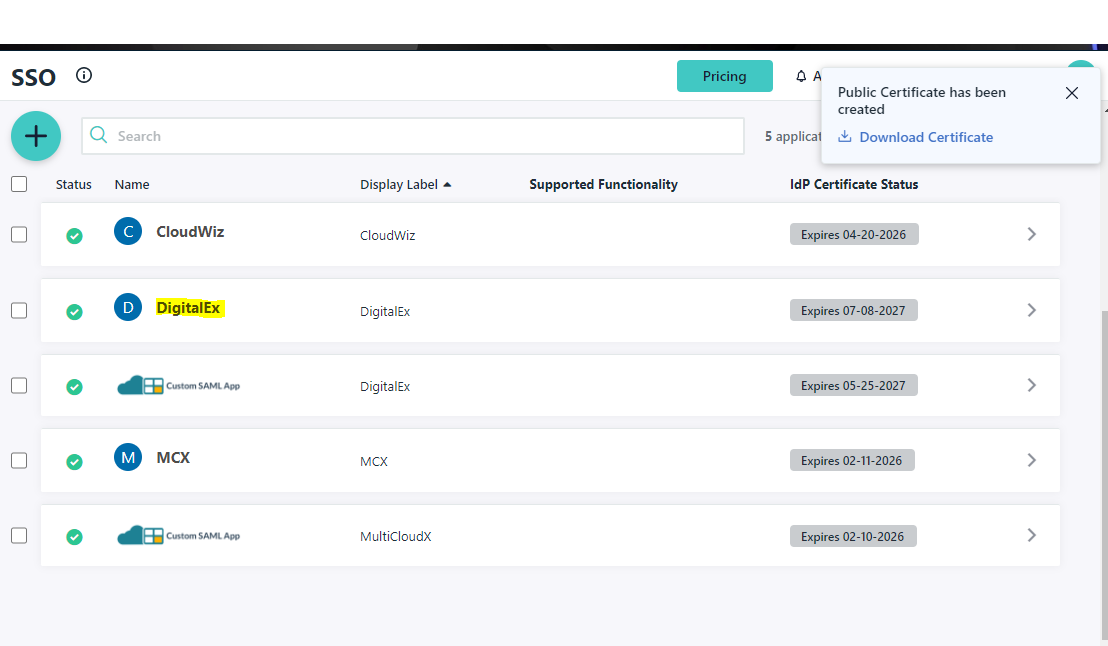
Click on SSO from left side panel
-
Click on Application from the list which you have created
-
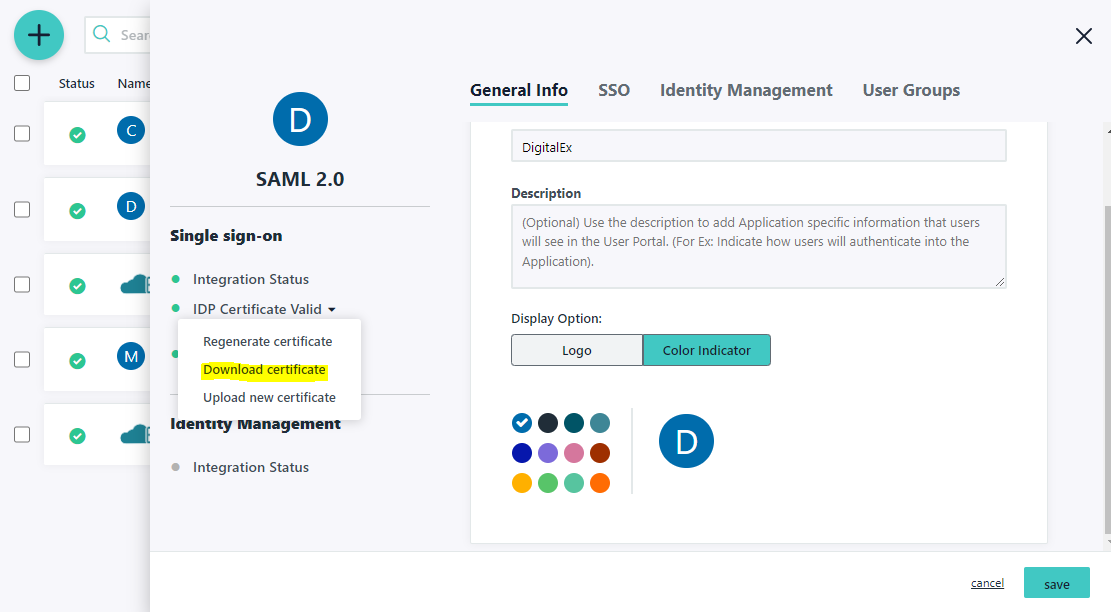
Click IDP certificate valid and Click Download certificate. This is used in step-1
-
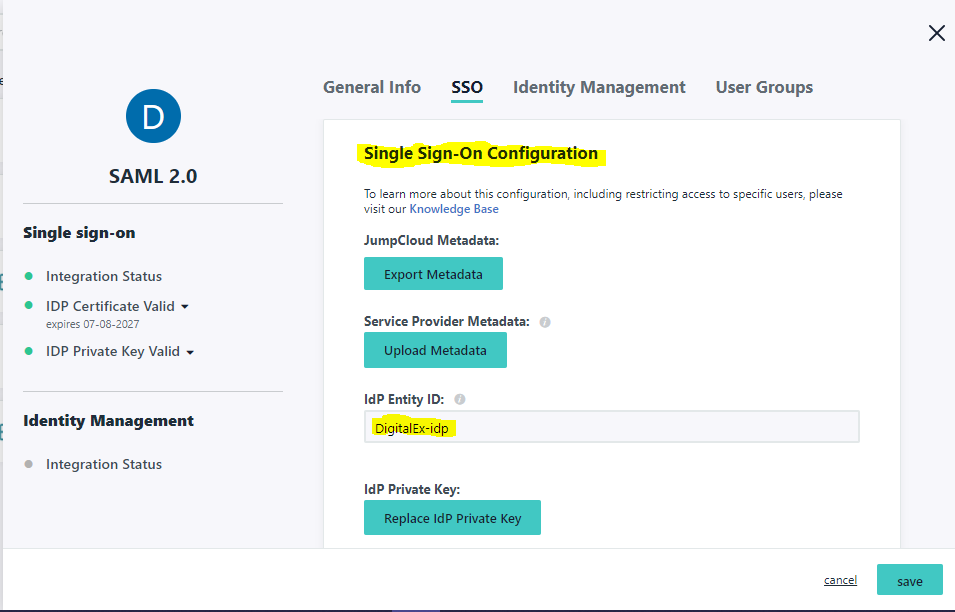
Click Single Sign on Configuration
-
Copy IdP Entity ID and paste it in any of the editor. This is used Step-5
-
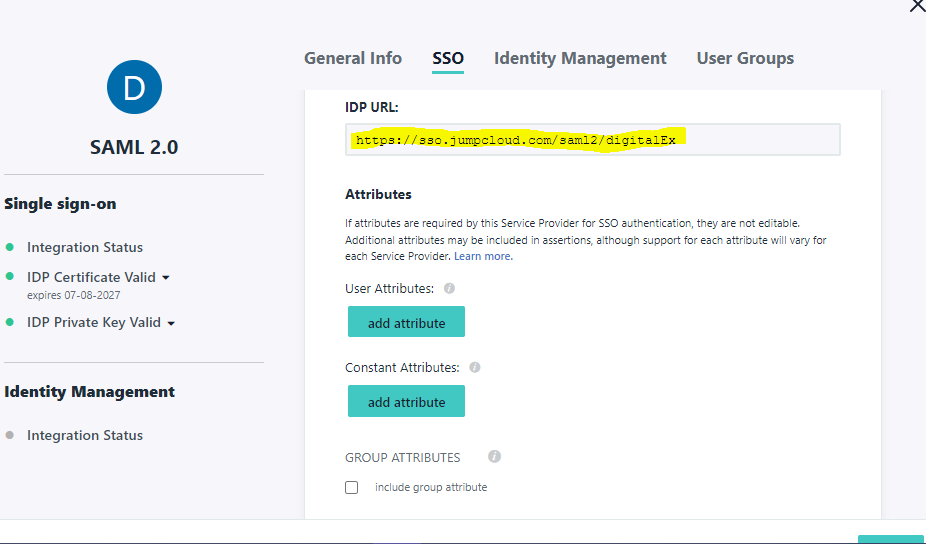
Copy IDP URL and paste it in any of the editor. This is used Step-5