.png)
Why this matters: ChatGPT is often where people already do quick analysis and writing; connecting Mavvrik here means a cost question can get answered in the same conversation, using your real tenant data, instead of switching over to a dashboard.
Mavvrik MCP connects ChatGPT to Mavvrik through a secure sign-in and authorization flow.
The connection uses the Mavvrik tenant associated with your authenticated Mavvrik user account. After authorization is complete, Mavvrik MCP becomes available inside ChatGPT, allowing you to ask cloud cost intelligence questions directly in a natural conversation.
To enable this experience, connect ChatGPT to the Mavvrik MCP server using a custom app or connector. ChatGPT connects to Mavvrik through OAuth, ensuring access is tied to your authorized Mavvrik account and tenant.
Creating the app requires workspace admin access.
Steps to Connect
-
Navigate to ChatGPT
-
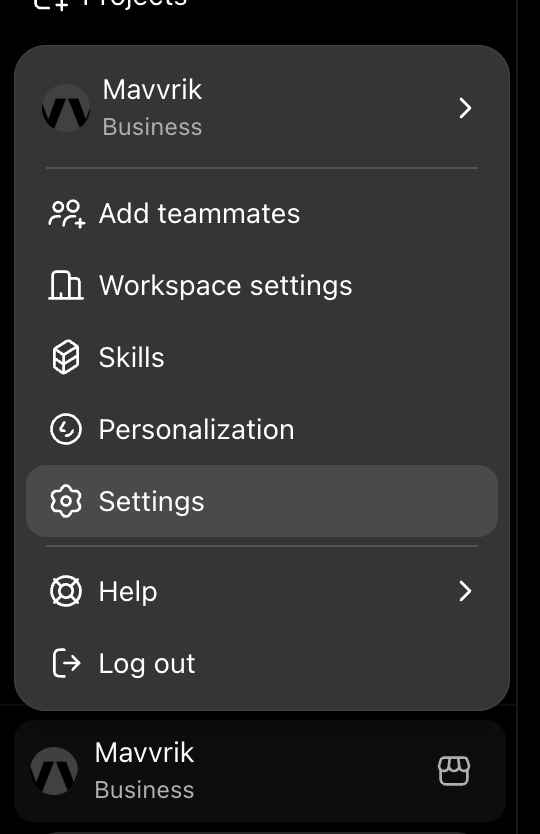
Go to Settings
-
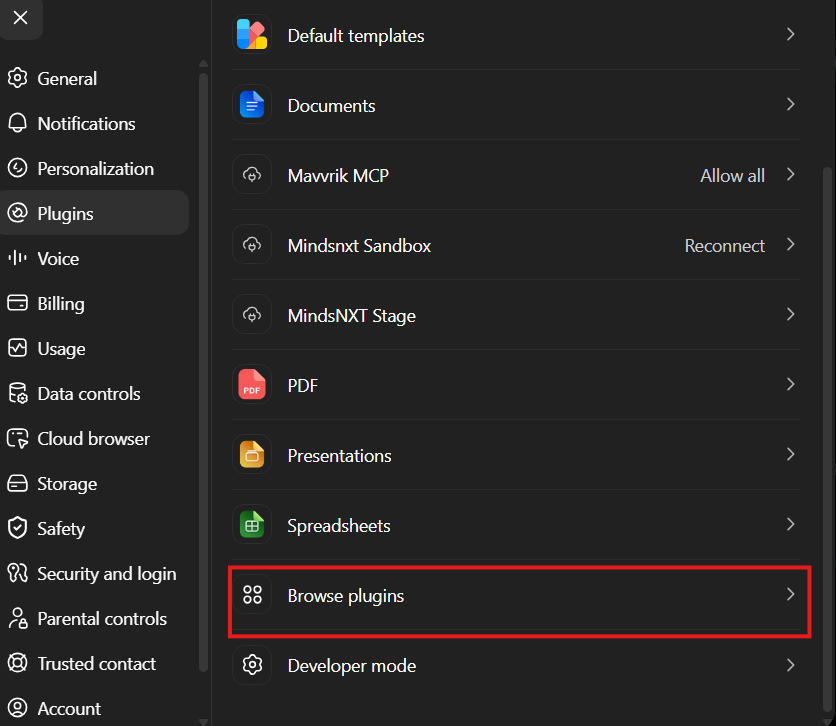
Under Plugins, click Browse plugin. (Requires admin access.)
-
Click Create plugin(+) option, enable Developer mode first if this option doesn't shows up.
-
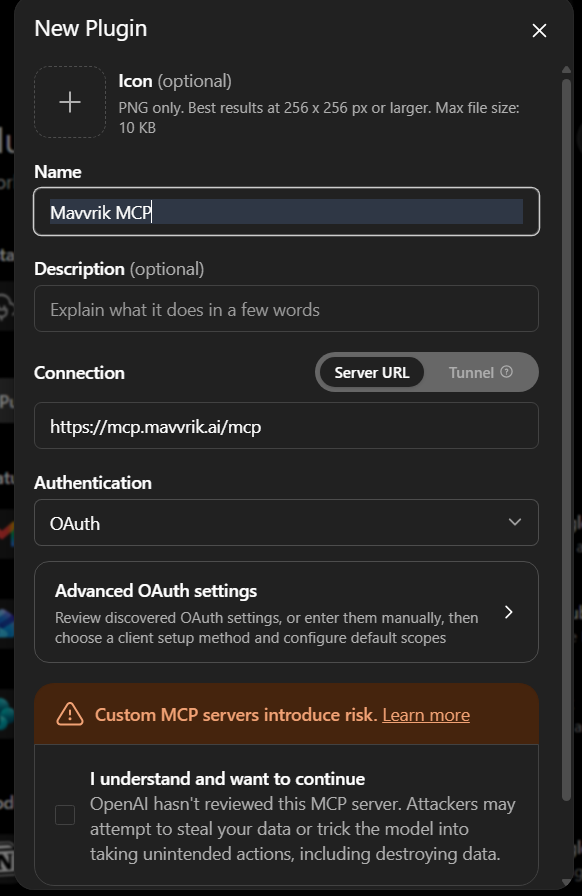
Fill in the plugin details like Name, Description
-
Enter
https://mcp.mavvrik.ai/mcpunder connection -
You can expand Advanced OAuth settings to confirm the OAuth fields are auto-filled.
-
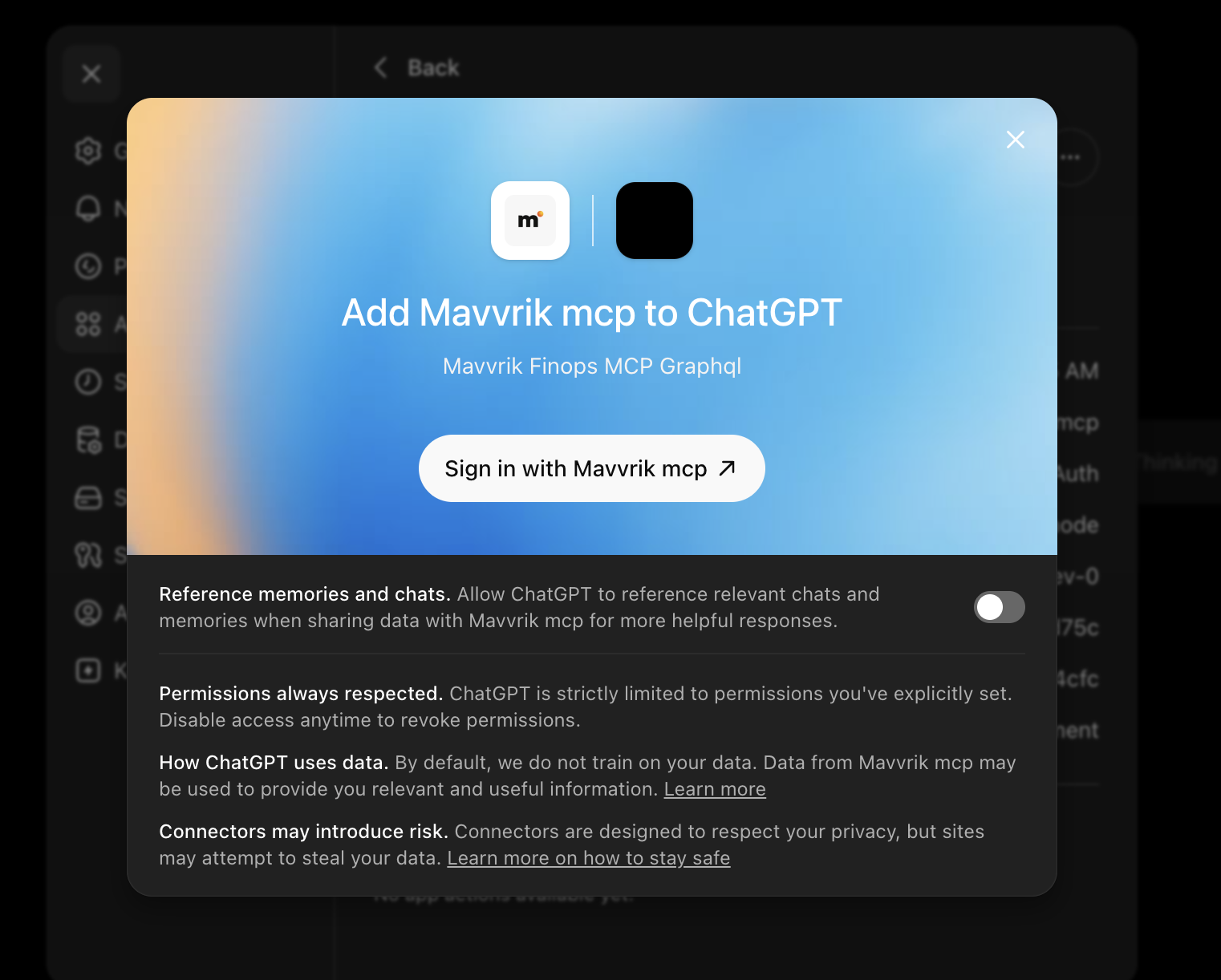
Create the app, then complete the Mavvrik login flow (tenant subdomain → Firebase authentication).
-
Enter your tenant domain URL, allow access, and then enter your Mavvrik login credentials.
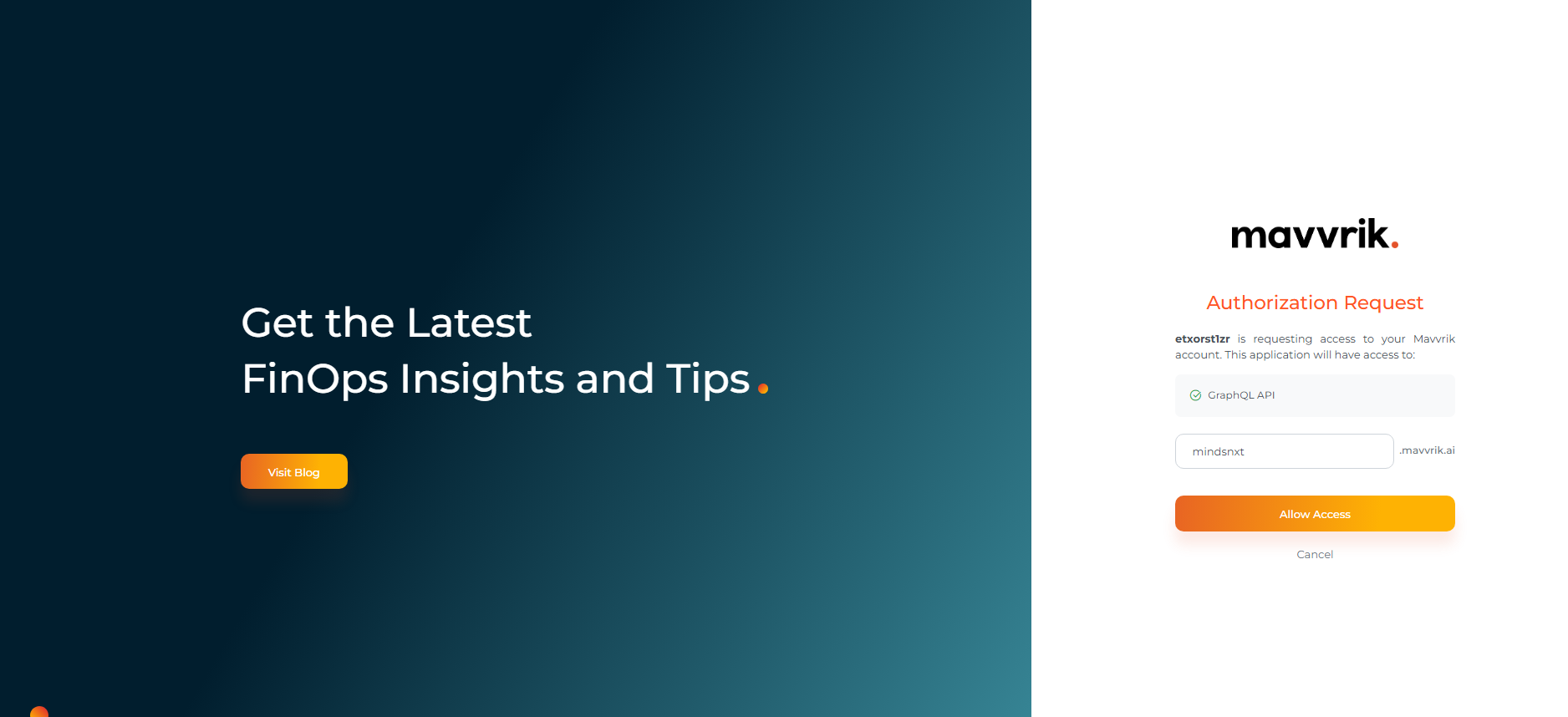
-
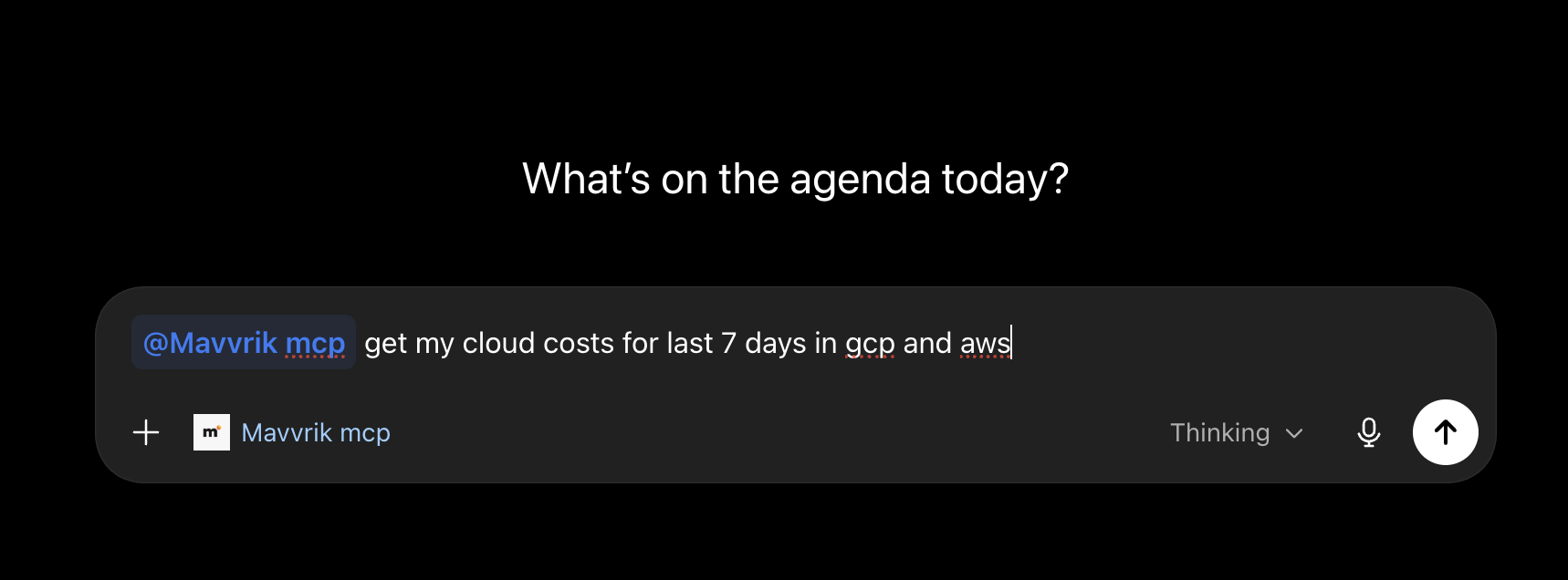
The Mavvrik tools are now available; use them in any chat
Troubleshooting
-
If the "Create plugin" option doesn't appear, confirm Developer mode is enabled under Settings → Plugins.
-
If the connection doesn't authorize, confirm the connector URL is exactly
https://mcp.mavvrik.ai/mcpand that the OAuth fields under Advanced OAuth settings were auto-filled correctly, then retry.
FAQs
Do I need admin access to set this up?
Yes, creating the plugin/app requires workspace admin access in ChatGPT. If you don't have that, ask your workspace admin to complete the setup steps.
I don't see the "Create plugin" option: what's wrong?
You likely need to enable Developer mode first (in Settings, under Plugins); the Create plugin option only appears once that's turned on.