.png)
After target company completes his part, please adhere to the following procedure to incorporate the provider through the Mavvrik platform.
-
Login to Mavvrik
-
Click on Menu > Admin > Public Clouds
-
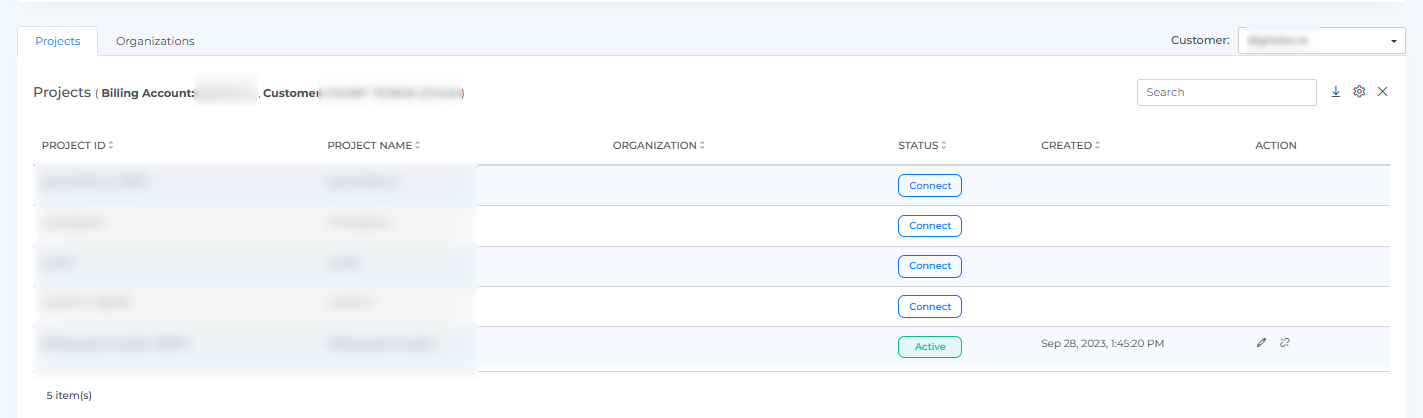
Below Page will be displayed with the list of All linked Projects.
-
Click on Connect button of the specific project.
-
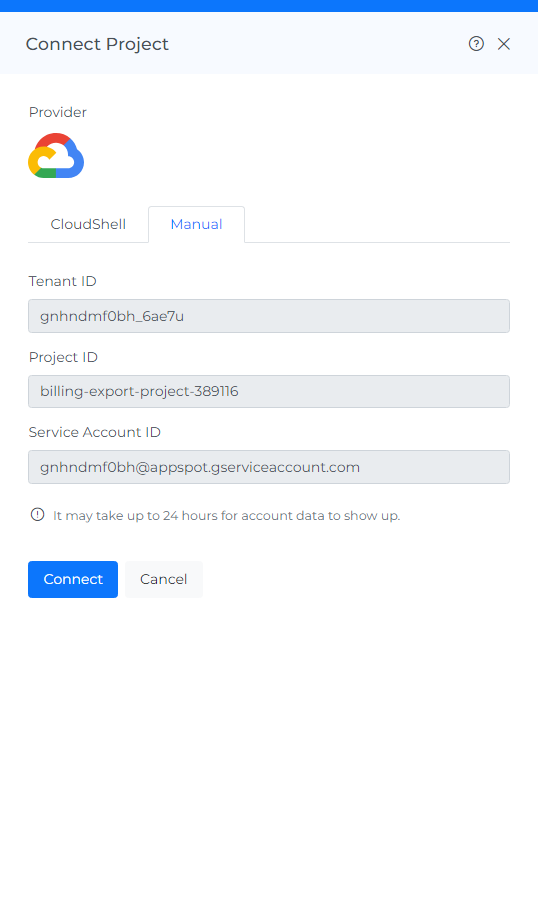
Click on Manual > Connect
-
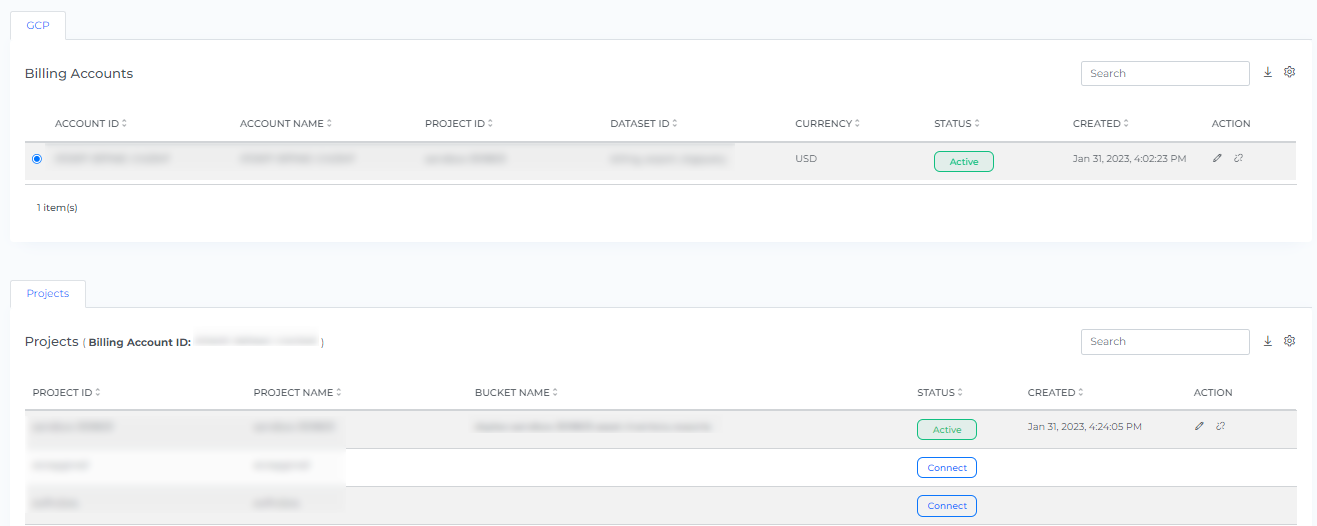
On-boarded projects will be displayed on the list of projects. It takes up to 30 minutes to discover the data
-
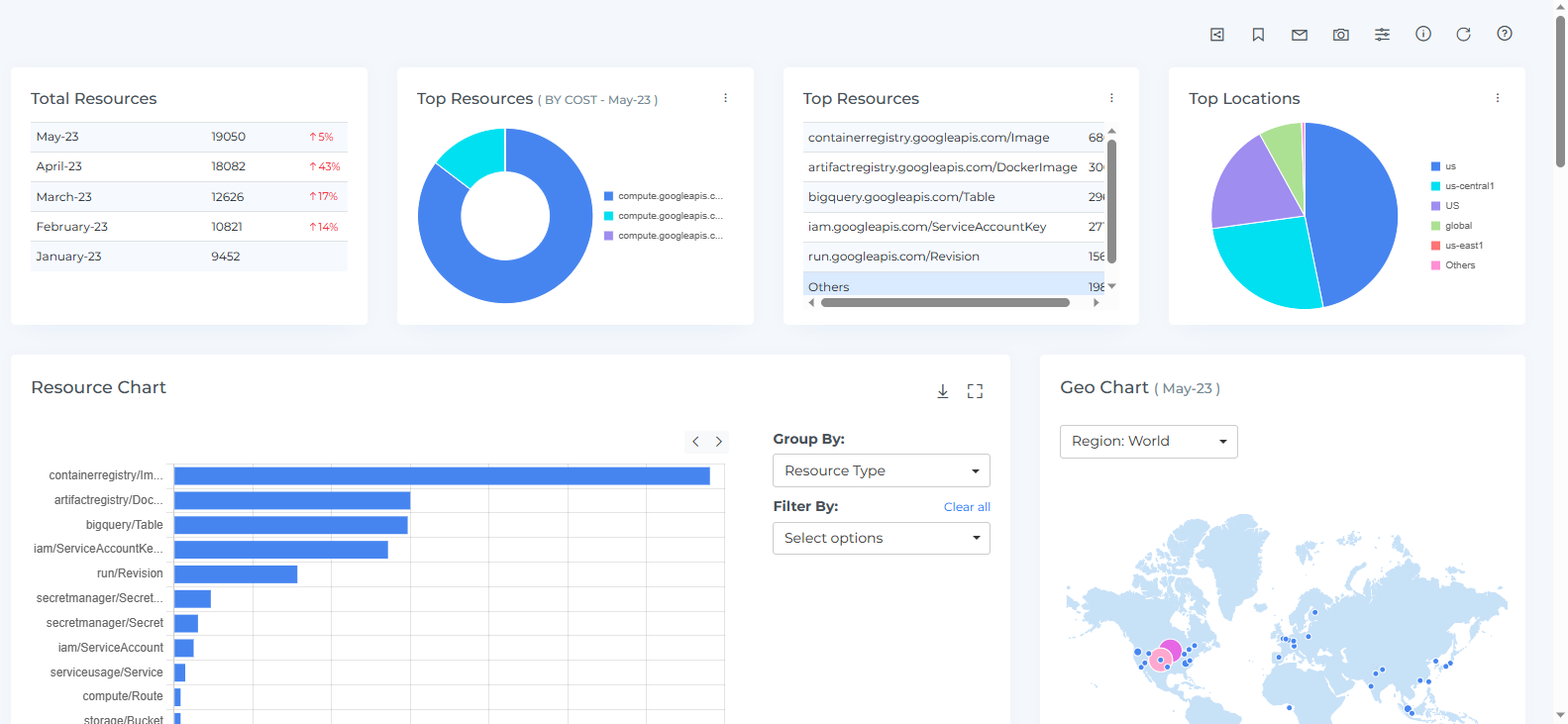
Click the Resource from the Menu option.
-
Resources will get discovered in Mavvrik