.png)
Use the Service Account ID provided by Mavvrik for your tenant and grant it the required access in your GCP Project
Retrieve the Service Account Id from Setup Page
-
Login to Mavvrik
-
Click GCP Provider
-
Click on Connect Manually link.
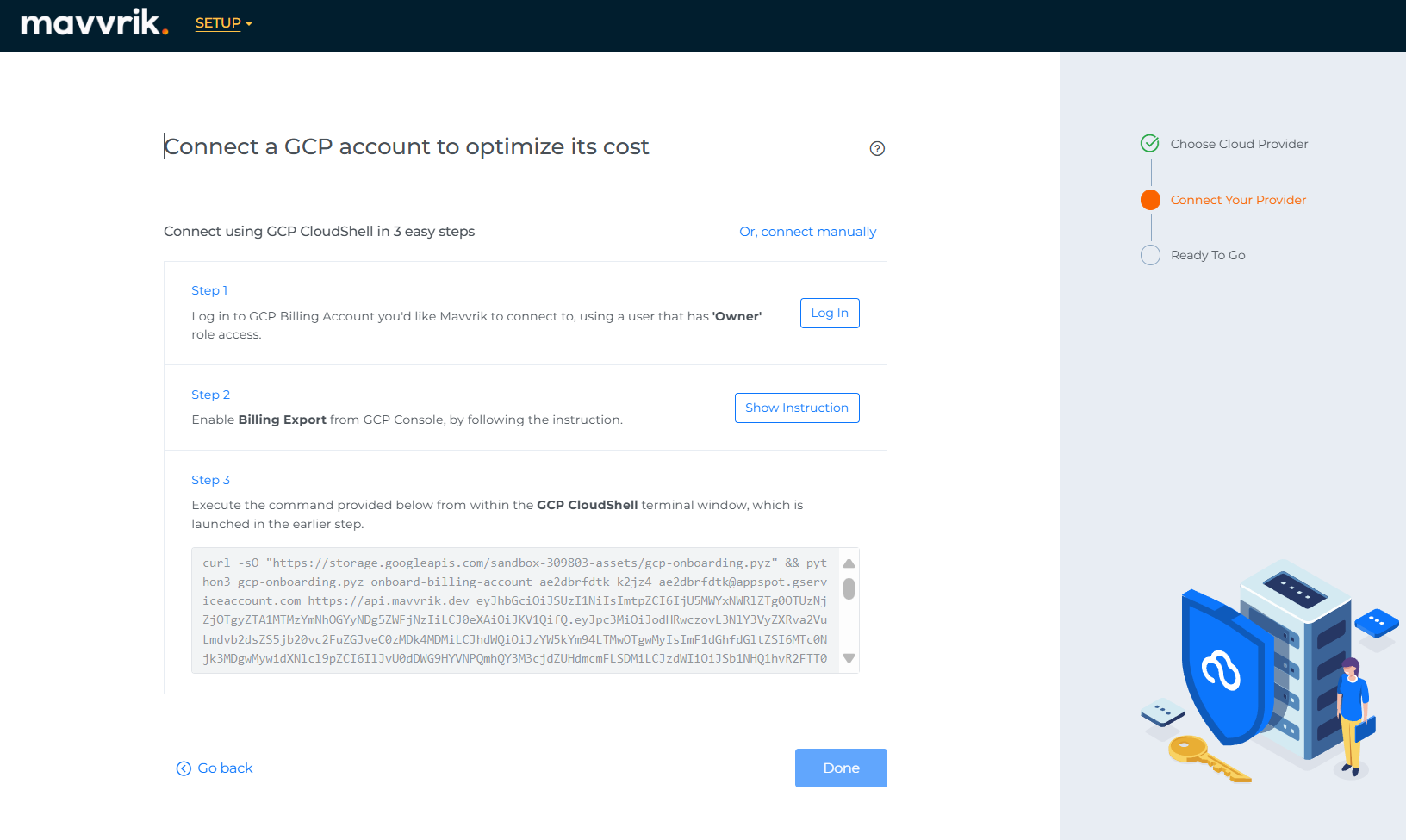
-
Click on Connect Billing Account button.
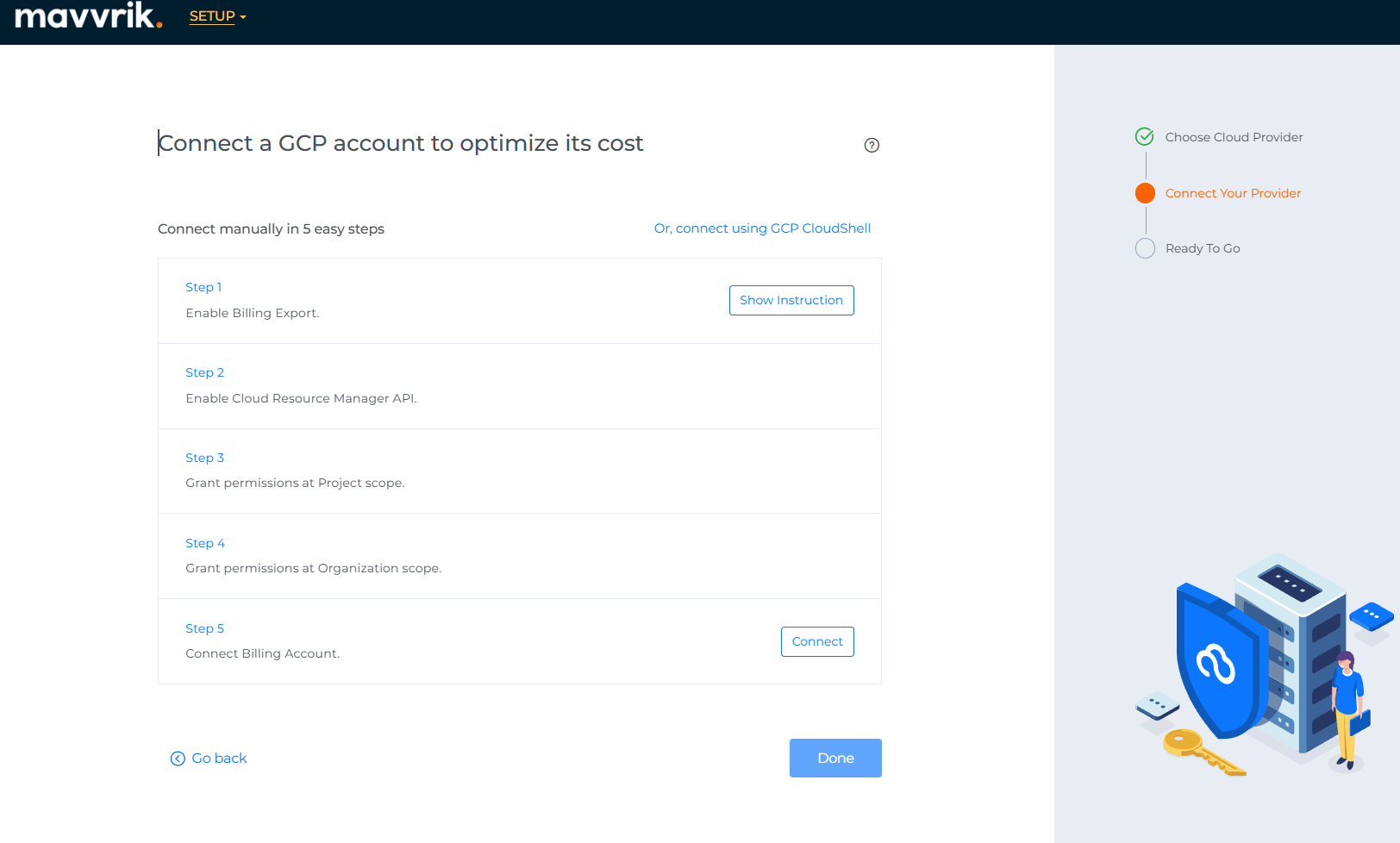
-
Capture and share Service Account id with the Target Company.
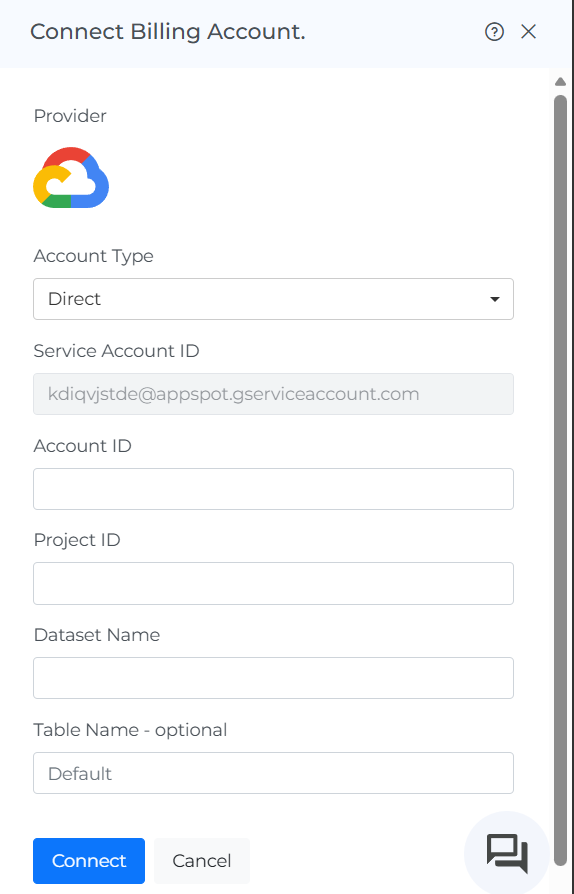
Retrieve the Service Account Id from Menu
-
Login to Mavvrik
-
Click on the side menu.
-
Click on Public Clouds under the Admin
-
Click on +Account.
-
Go to GCP & Click on Manual Tab
-
Capture and share the Service Account id with Target Company.