.png)
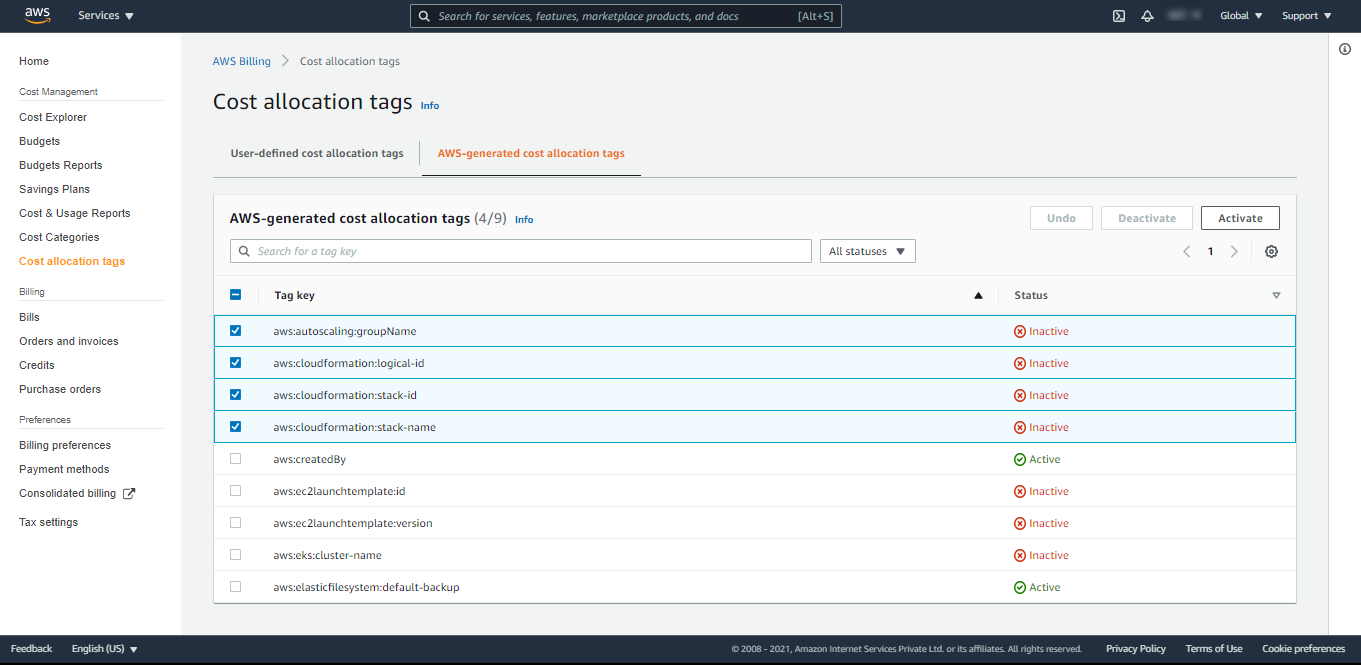
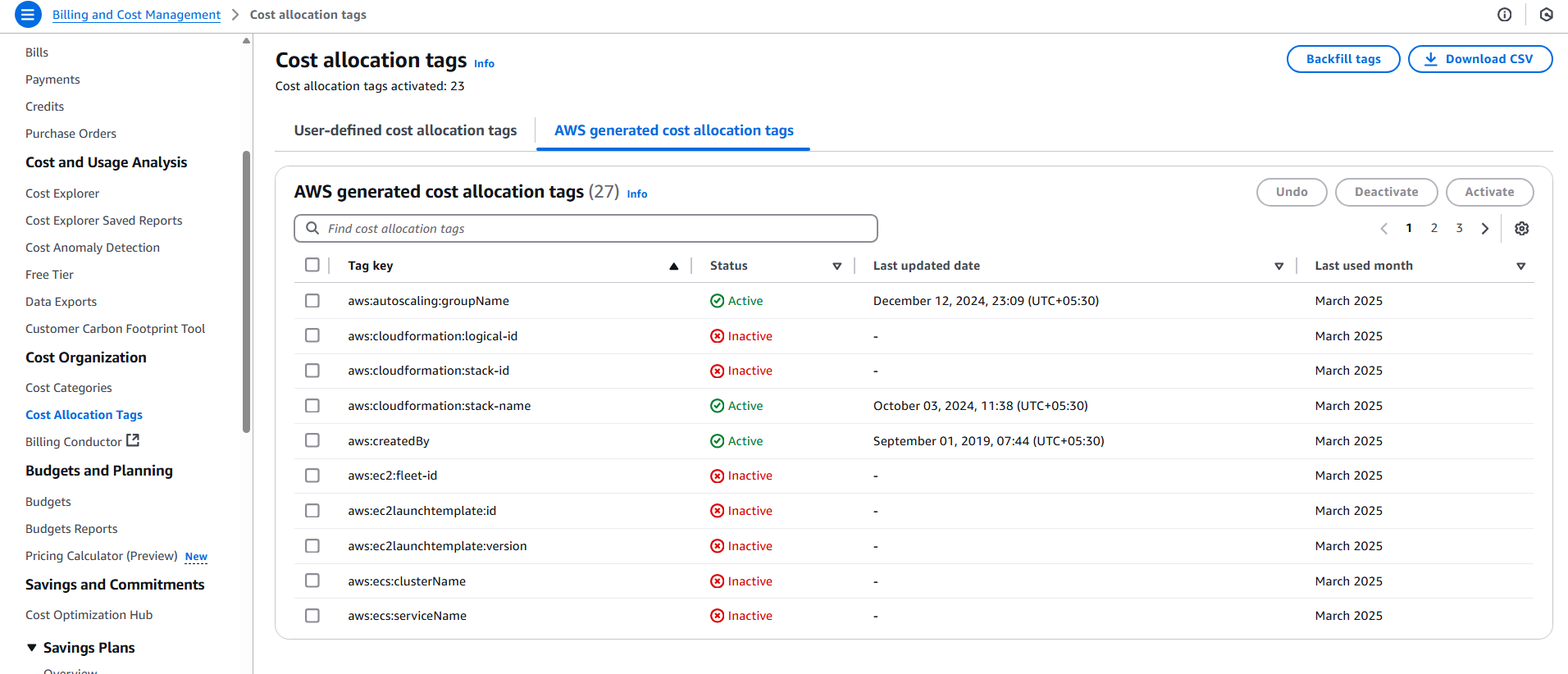
Below are the steps to Enable Cost Allocation Tags:
-
Navigate to Billing and Cost Management under profile
-
Click on Cost Allocation Tags
-
Click on AWS Generated cost Allocation tags.
-
Select the tags you want to use as dimensions for grouping and filtering cost data and click on Activate to activate them.