
See the cost and usage of each agent that calls models through OpenRouter. OpenRouter sends a trace of every request to Mavvrik, so the only change to your code is adding the agent name to each request.
Before you start
-
Admin access to your OpenRouter organization.
-
You can create an agent connection in Mavvrik.
-
Access to the code that calls OpenRouter.
Step 1. Create the connection in Mavvrik
-
In Mavvrik, go to Agents and select + Agent.
-
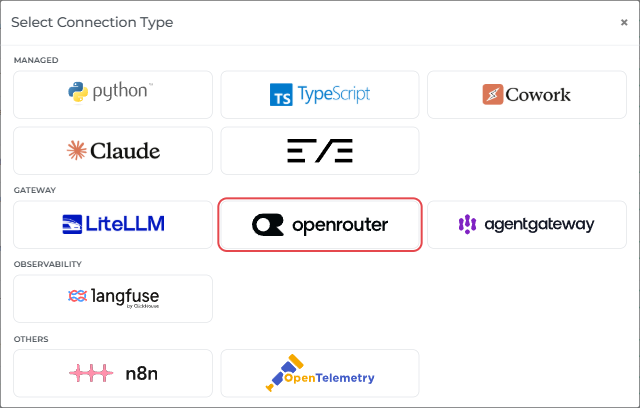
Under Gateway, select OpenRouter.
-
Enter a Connection Name, for example
openrouter-prod, and optionally a Description. Select Next.
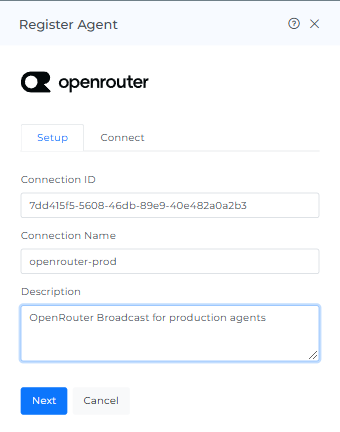
The Connect tab opens with everything you need for OpenRouter. Keep it open for the next steps.
Step 2. Copy the endpoint and headers, then register
-
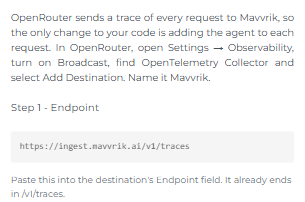
Copy the Endpoint. It already ends in
/v1/traces.
-
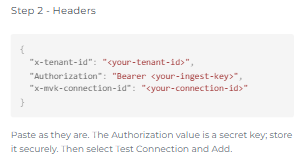
Copy the Headers. They already contain your tenant ID, key and connection ID. The
Authorizationvalue is a secret key; store it securely.
-
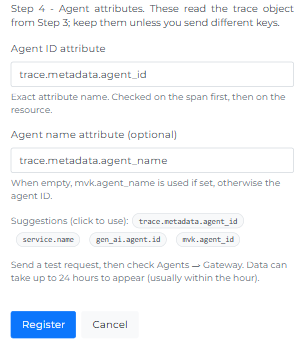
Agent ID attribute and Agent name attribute are already filled in with
trace.metadata.agent_idandtrace.metadata.agent_name. Keep them unless you send different keys in Step 4.
-
Select Register. The connection is listed under Agents → Gateway with Connection Type OpenRouter.
Step 3. Add Mavvrik as a Broadcast destination in OpenRouter
-
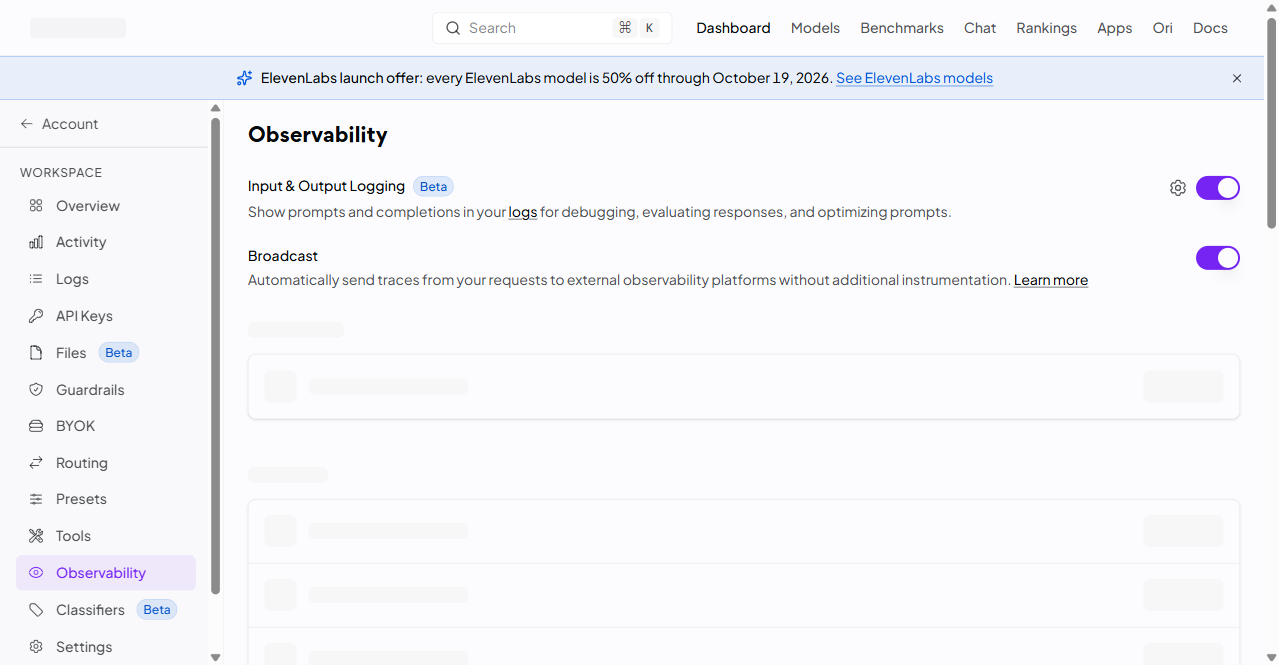
In OpenRouter, open Settings → Observability and turn on Broadcast.
-
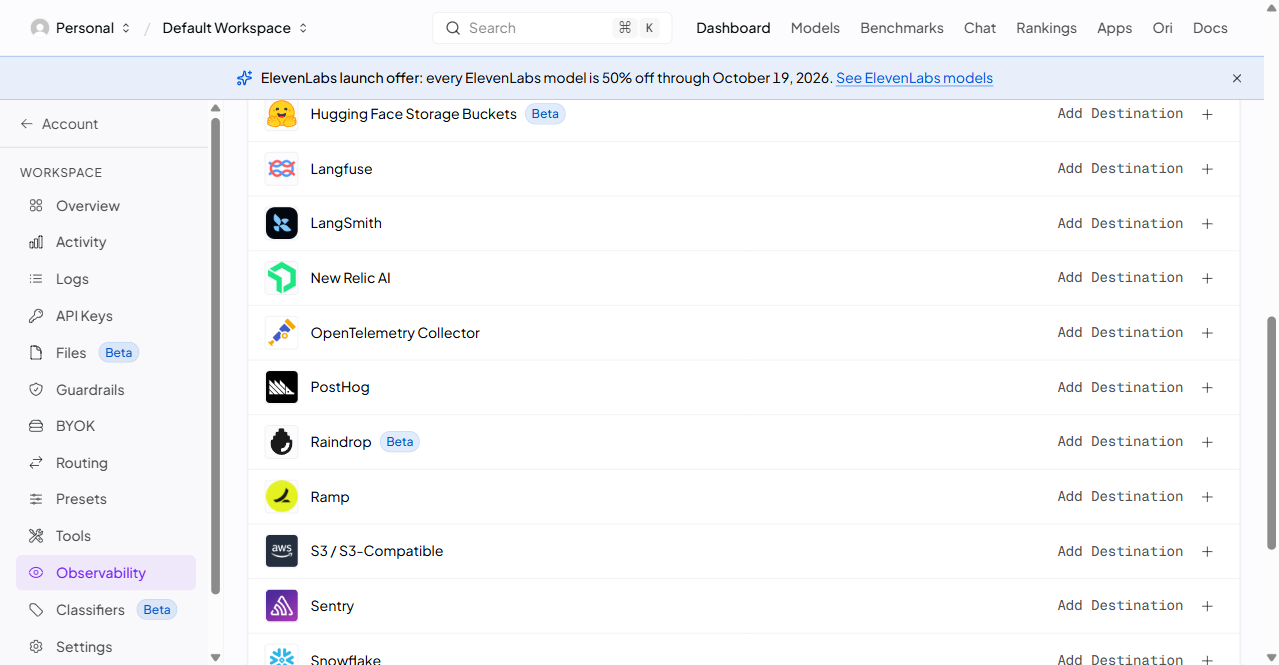
Find OpenTelemetry Collector and select Add Destination.
-
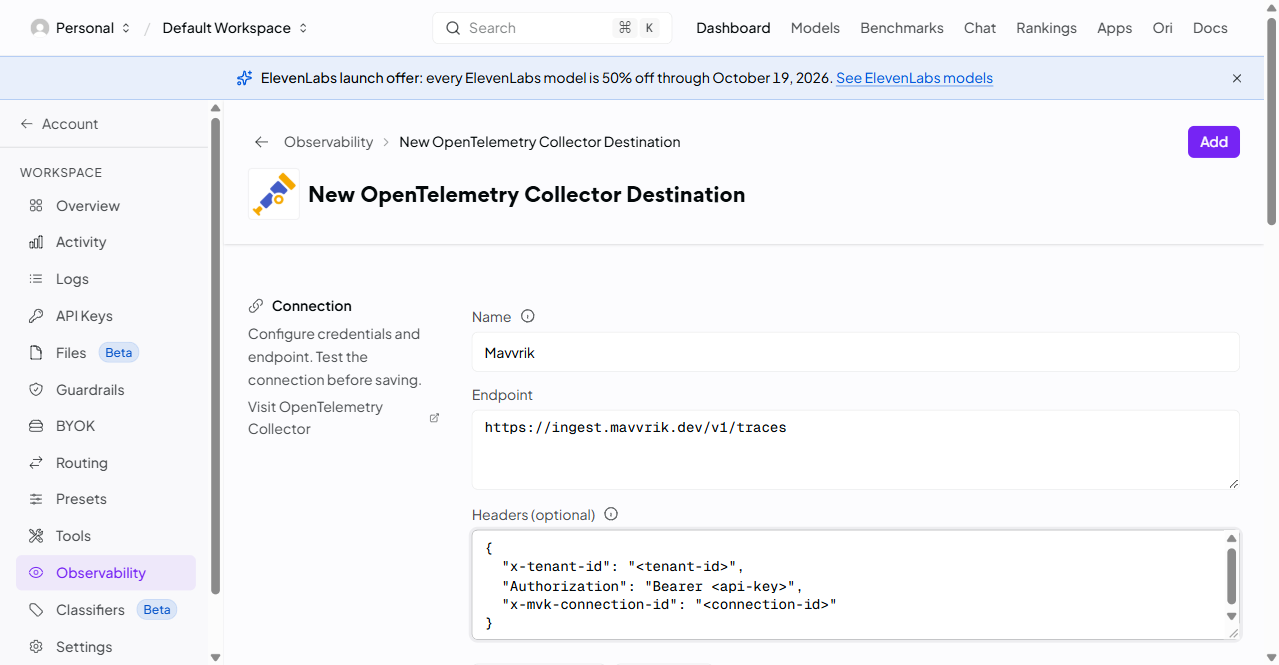
Fill in the form:
-
Name:
Mavvrik -
Endpoint: the endpoint from Step 2, pasted as it is
-
Headers: the headers from Step 2, pasted as they are
-
-
Select Test Connection, then Add.
Step 4. Add the agent to each request
Add a trace object with agent_id and agent_name to every OpenRouter request:
"trace": { "agent_id": "support-bot", "agent_name": "Support Bot" }
Keep agent_id the same for an agent; a new value creates a new agent in Mavvrik. To see sessions and users too, see Sessions and users.
Optional: tags. To tag cost by team, project or anything else, add keys that start with mvk.tags. to the same trace object. Keys without this prefix are not read as tags.
"trace": { "agent_id": "support-bot", "agent_name": "Support Bot", "mvk.tags.team": "support", "mvk.tags.project": "helpdesk" }
Step 5. Check your data
-
Run your agents through OpenRouter.
-
In Mavvrik, go to Agents → Gateway, open the connection and confirm your agents are listed by name.
-
Open Agent Cost, select the Reported view, and compare the total with OpenRouter for the same period.
Data usually appears within an hour, and always within 24 hours. Something missing? See Troubleshooting.