.png)
In order to execute the below steps, you need to have owner role.
Enable Cloud Resource Manager API
-
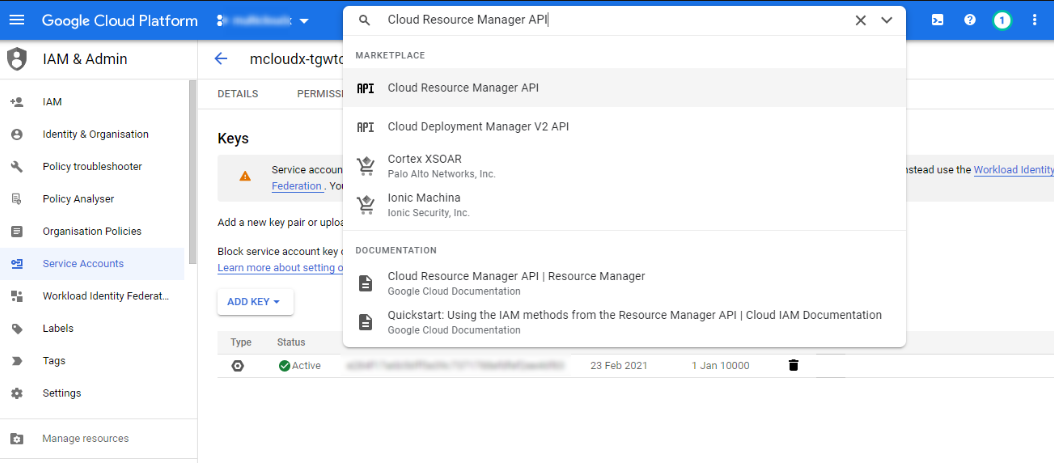
Enter Cloud Resource Manager API in the Search bar and Select.
-
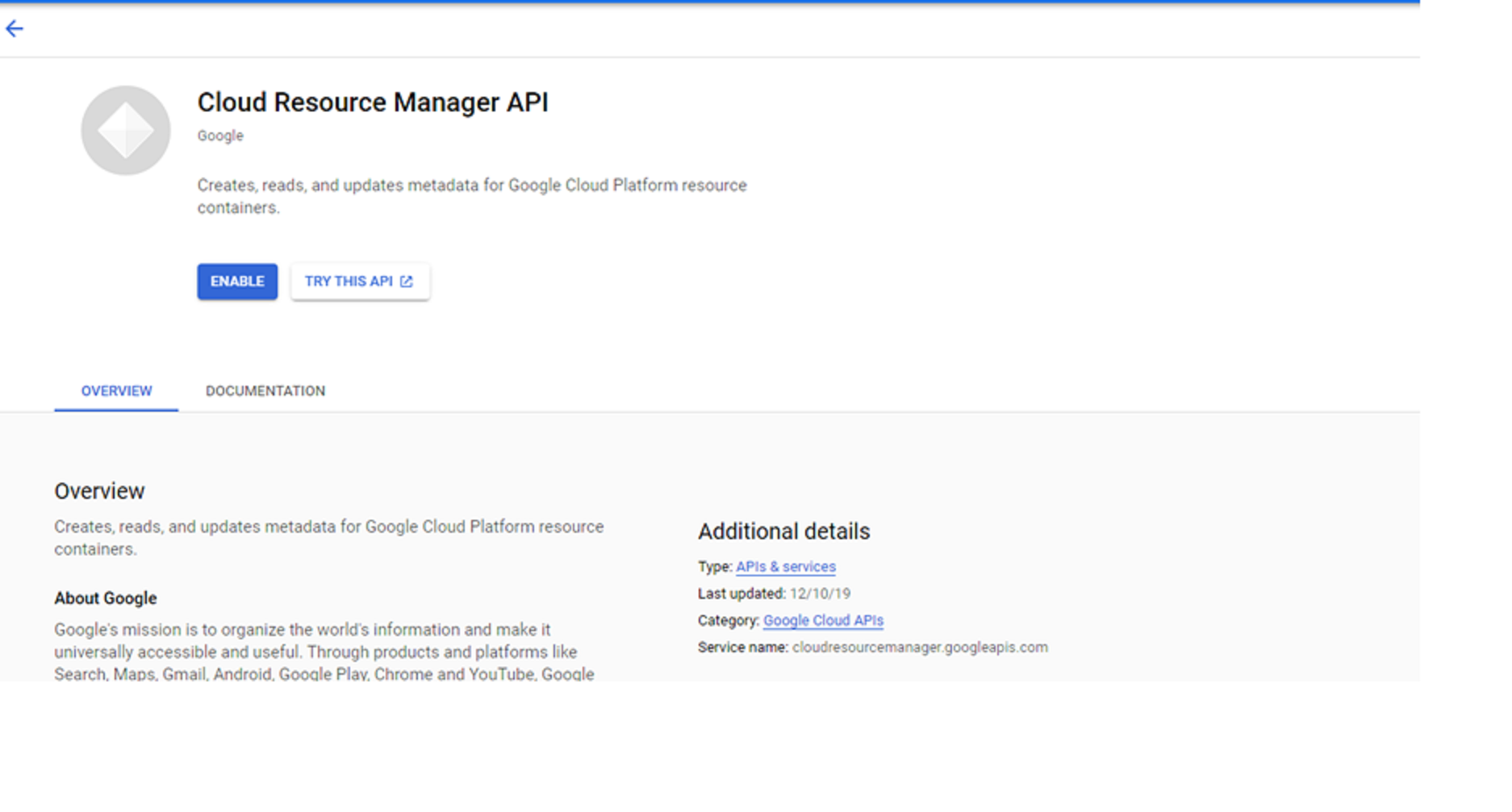
If there are multiple projects, it asks you to select a project, or the below page is displayed after selecting Cloud Resource Manager API from the search box.
-
Click Enable.
-
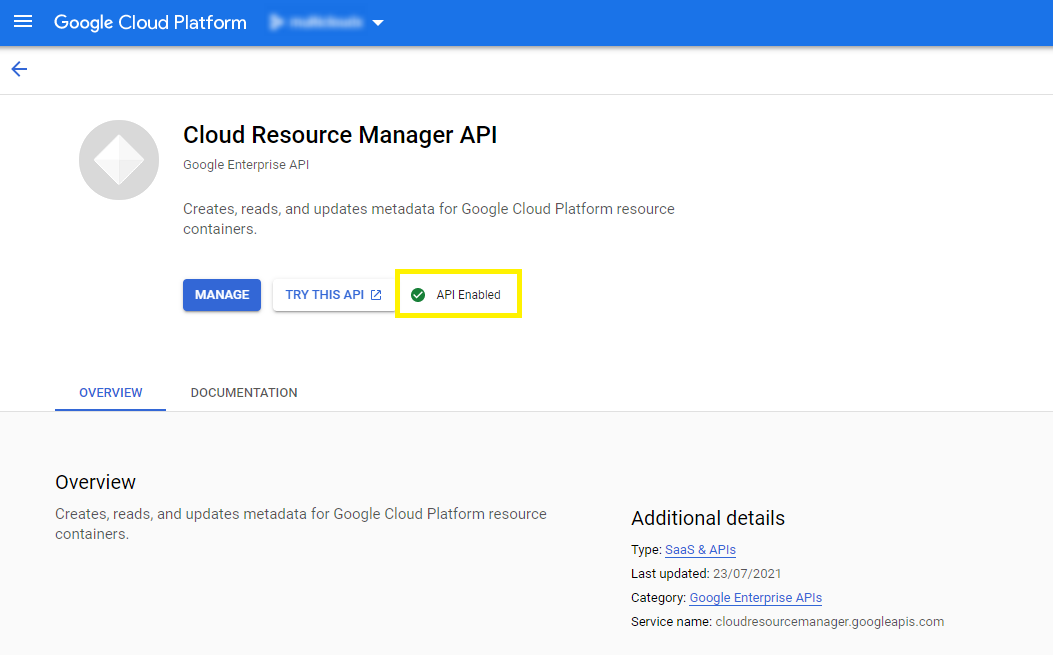
Resource manager API gets enabled successfully as shown below
Enable Cloud Asset API
-
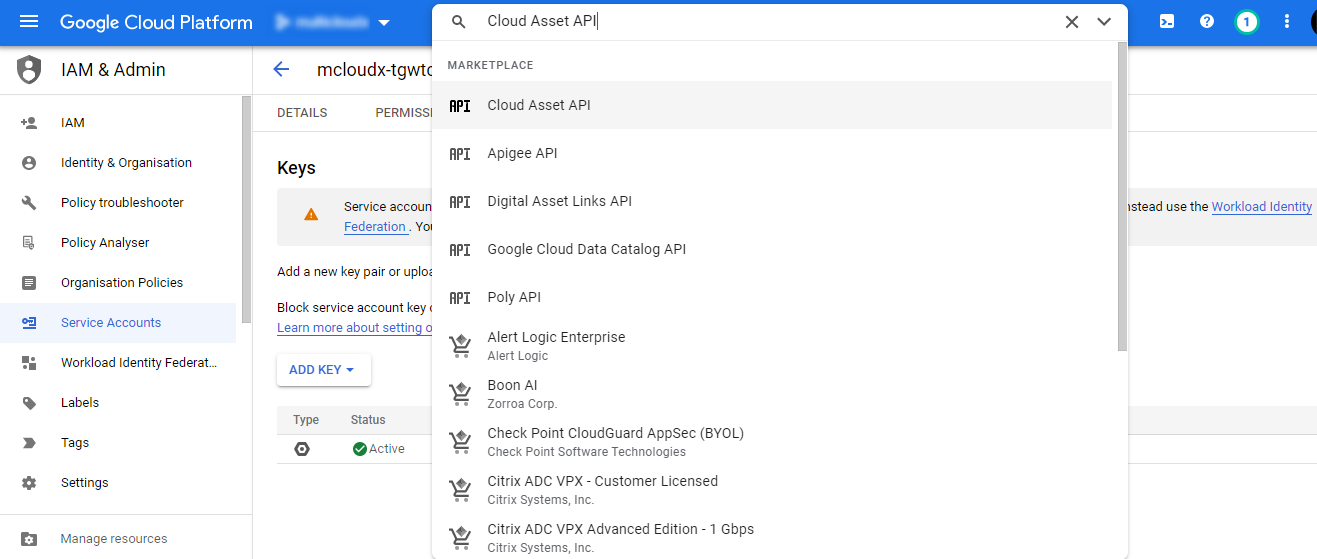
Enter Cloud Asset API in the Search bar and Select.
-
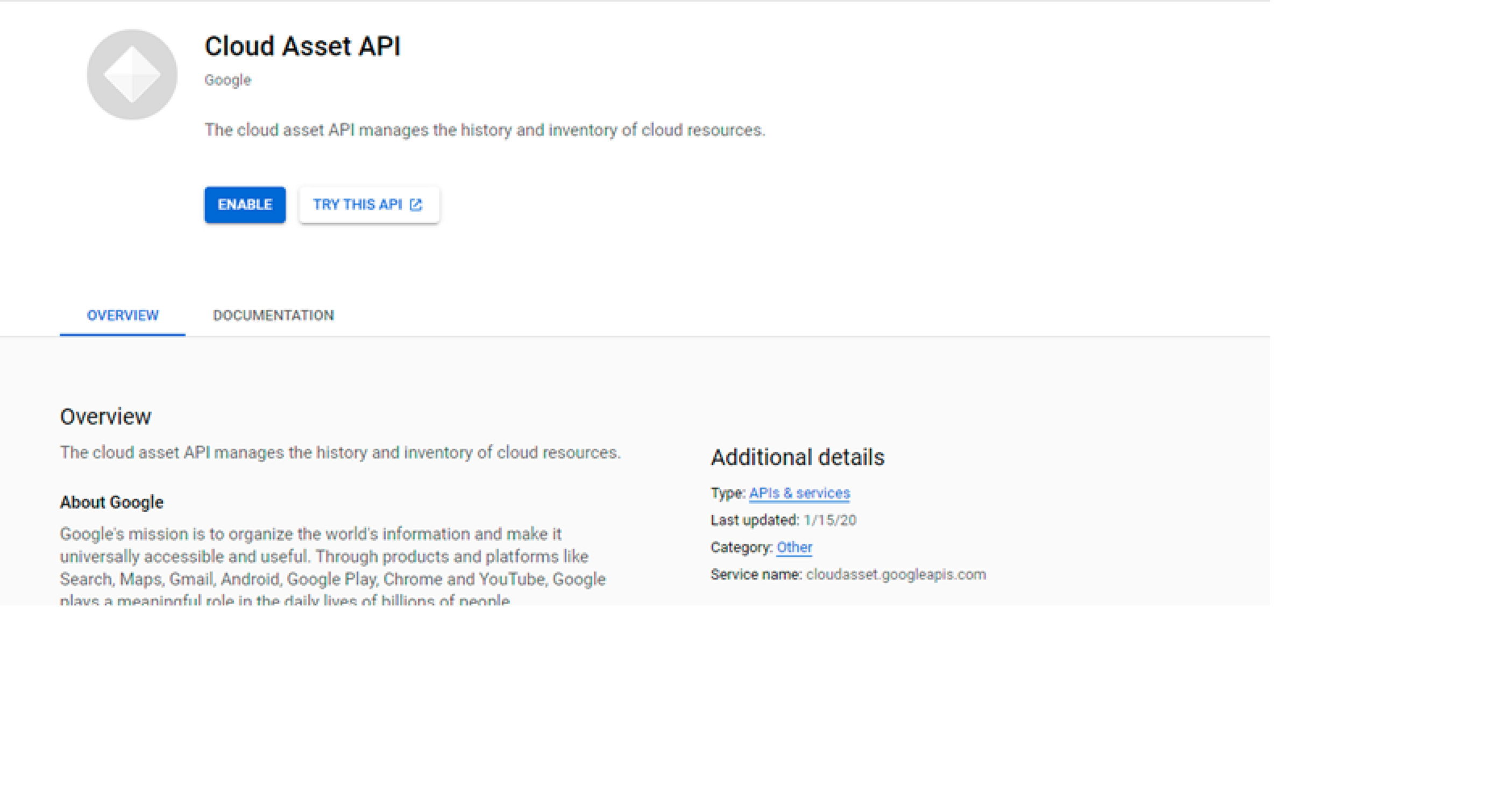
If there are multiple projects, it asks you to select a project, or the below page is displayed after selecting Cloud Asset API from the search box.
-
Click Enable.
-
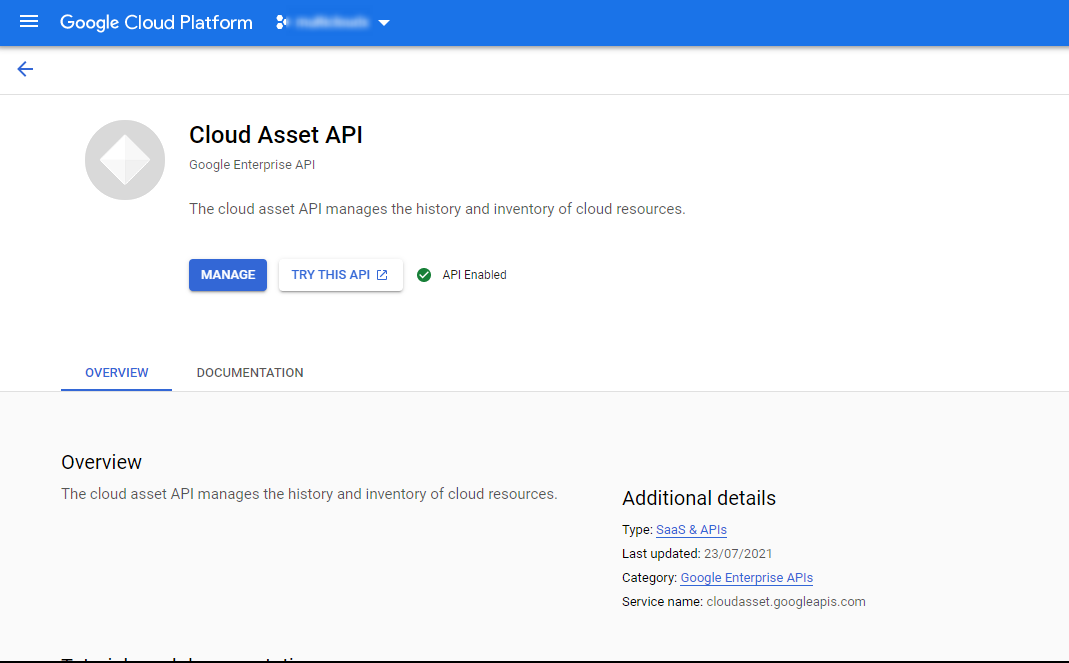
Cloud Asset API gets enabled successfully as shown below.
Enable Cloud Monitoring API
-
Enter Cloud Monitoring API in the Search bar and Select.
-
If there are multiple projects, it asks you to select a project
-
Click Enable.