.png)
Prior to proceeding with the following steps, make sure to choose the project from the top dropdown menu that you had previously selected in Step-1 : Enable Billing Export/ Committed Use Discounts Export or if you have an existing export, locate the project where the export is saved and choose that project from the top dropdown menu.
-
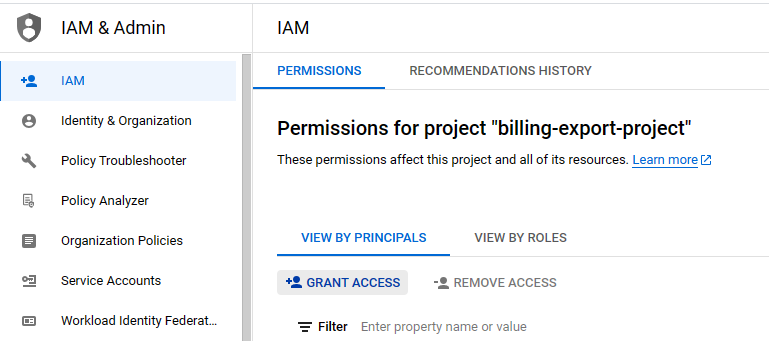
Go to IAM
-
Click on Grant Access
-
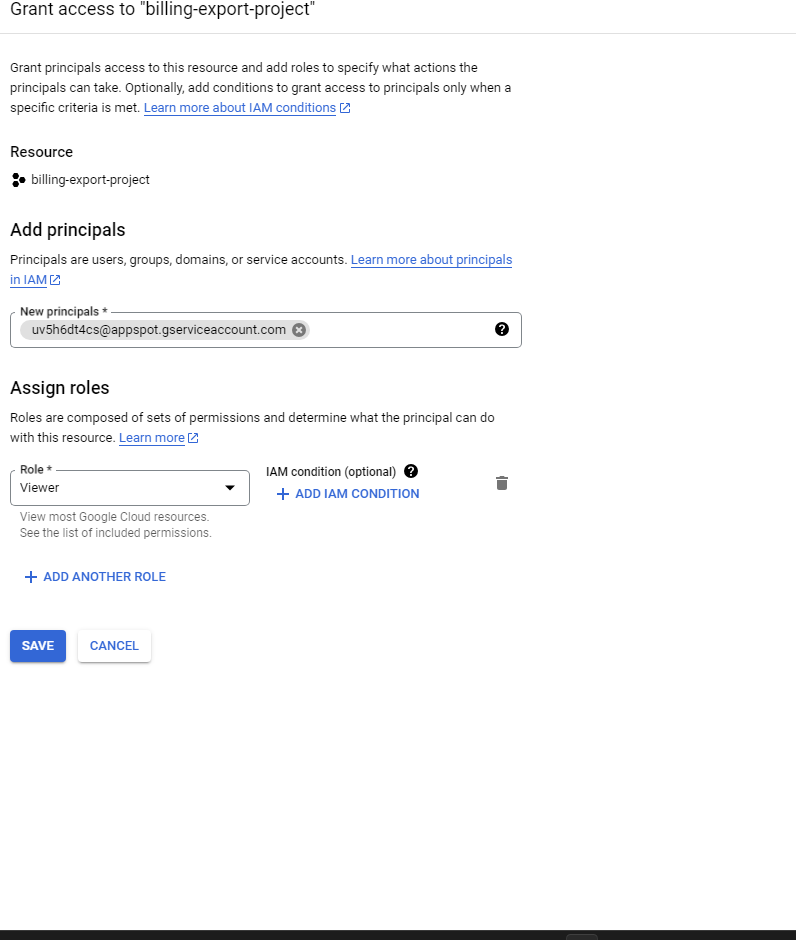
Enter service account id under the new principals.(To get the Service account id follow instructions outlined in this page Retrieve the Service Account Id)
-
Add Viewer Role
-
Click on Save