.png)
Agent Onboarding
Login to your account, it will navigate to setup page
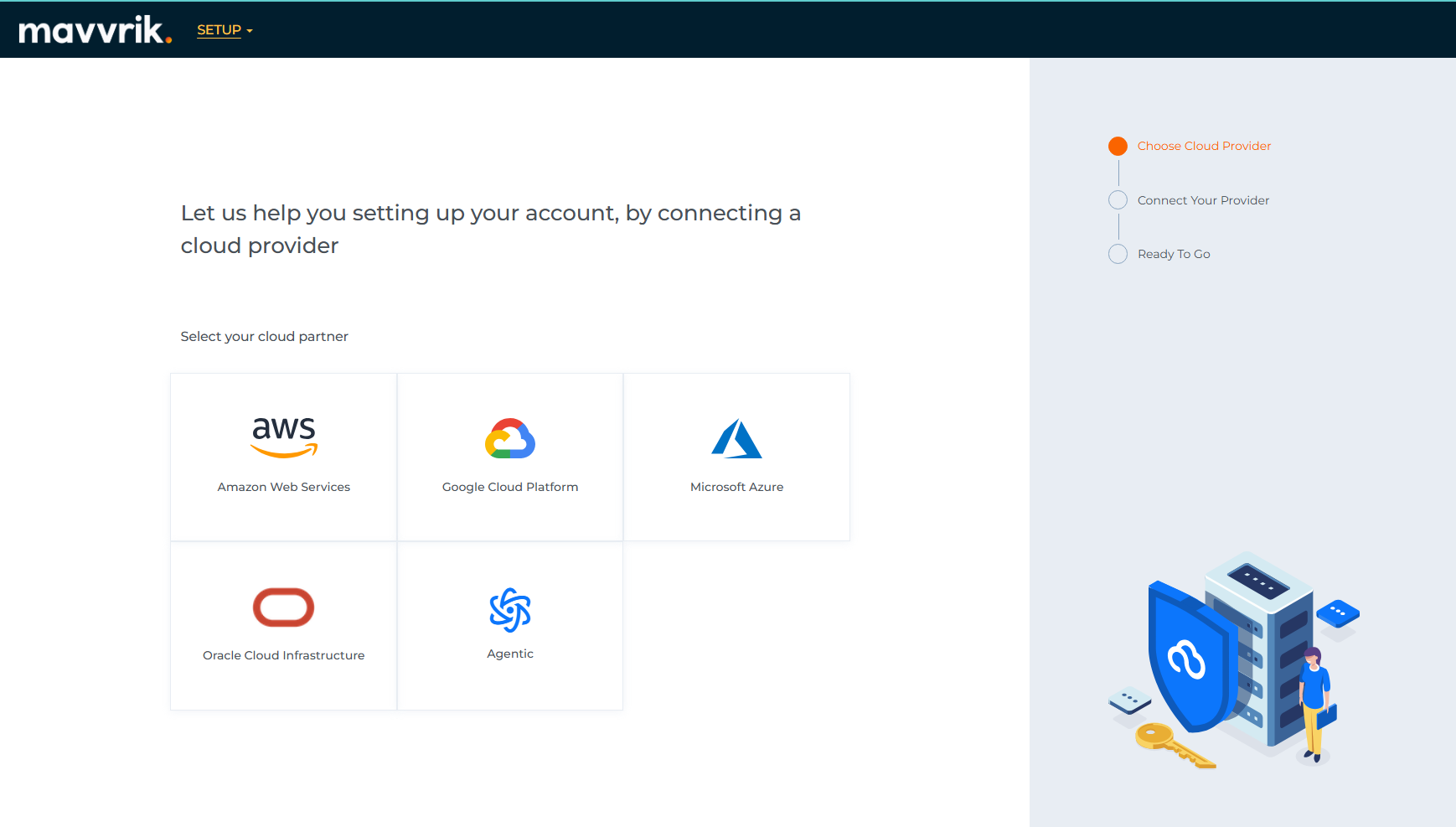
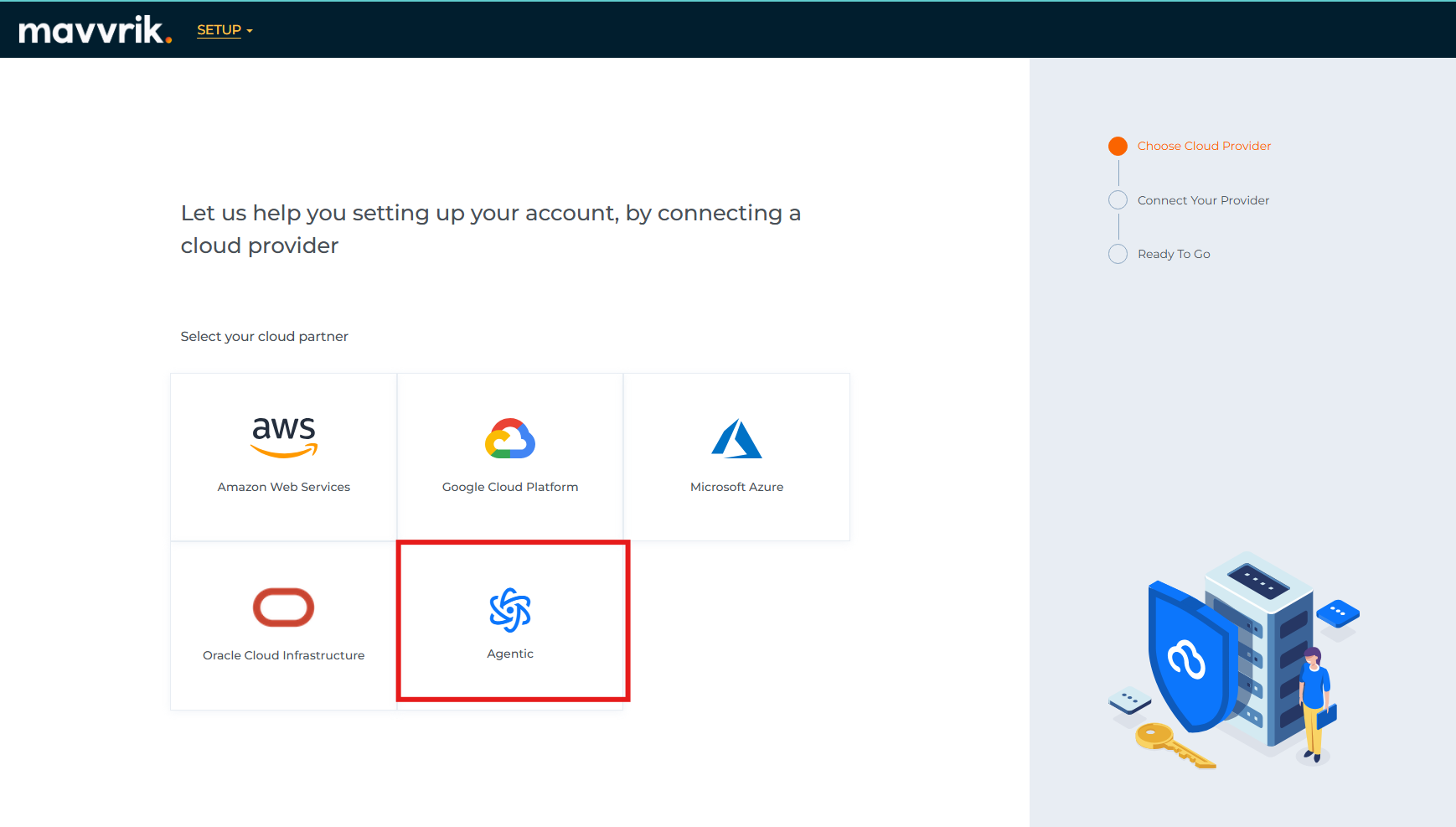
Click on Agentic
Follow the steps to connect your agentic application
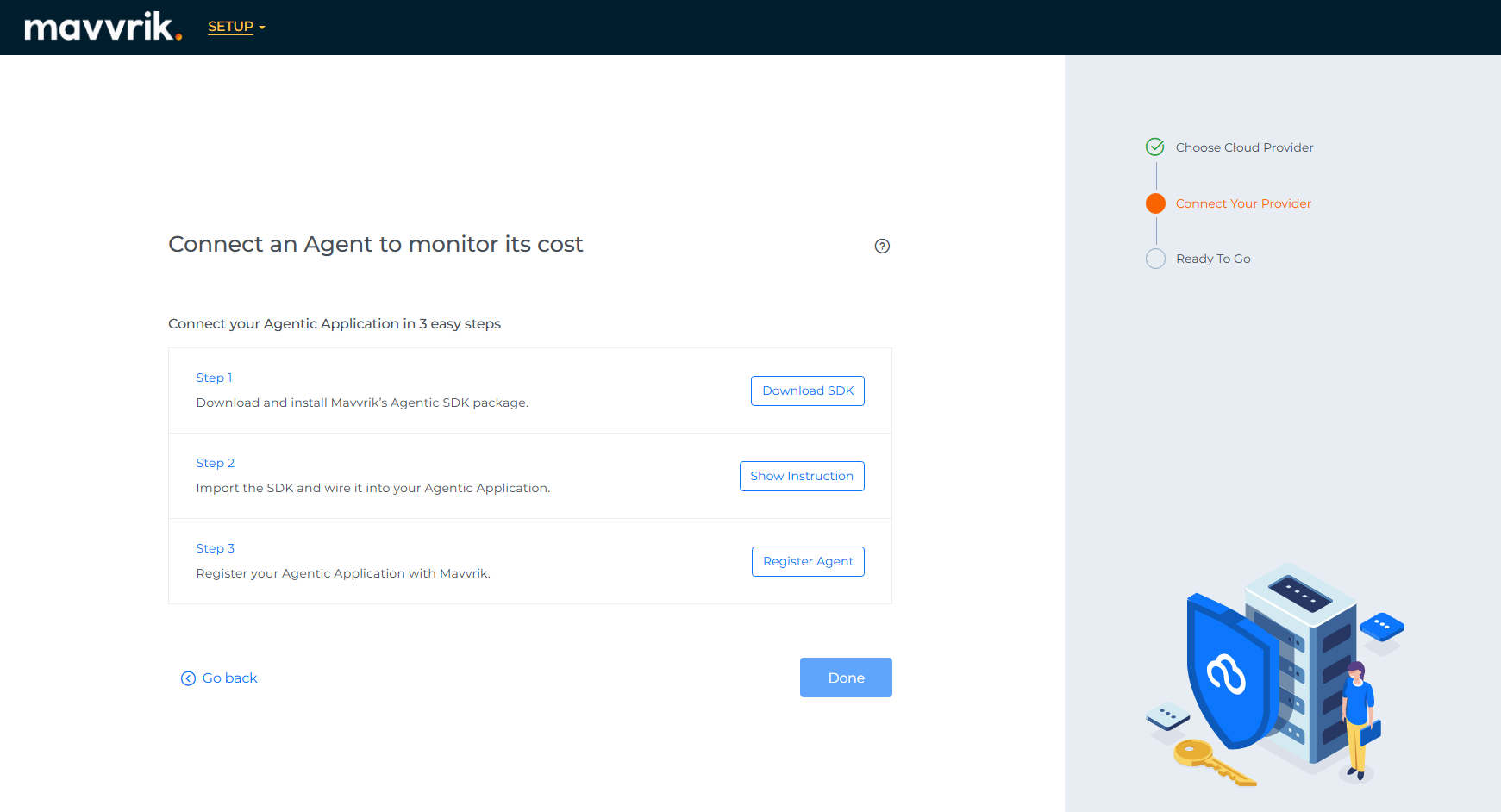
In Step-3 when you click on “Register Agent” a register form should be displayed
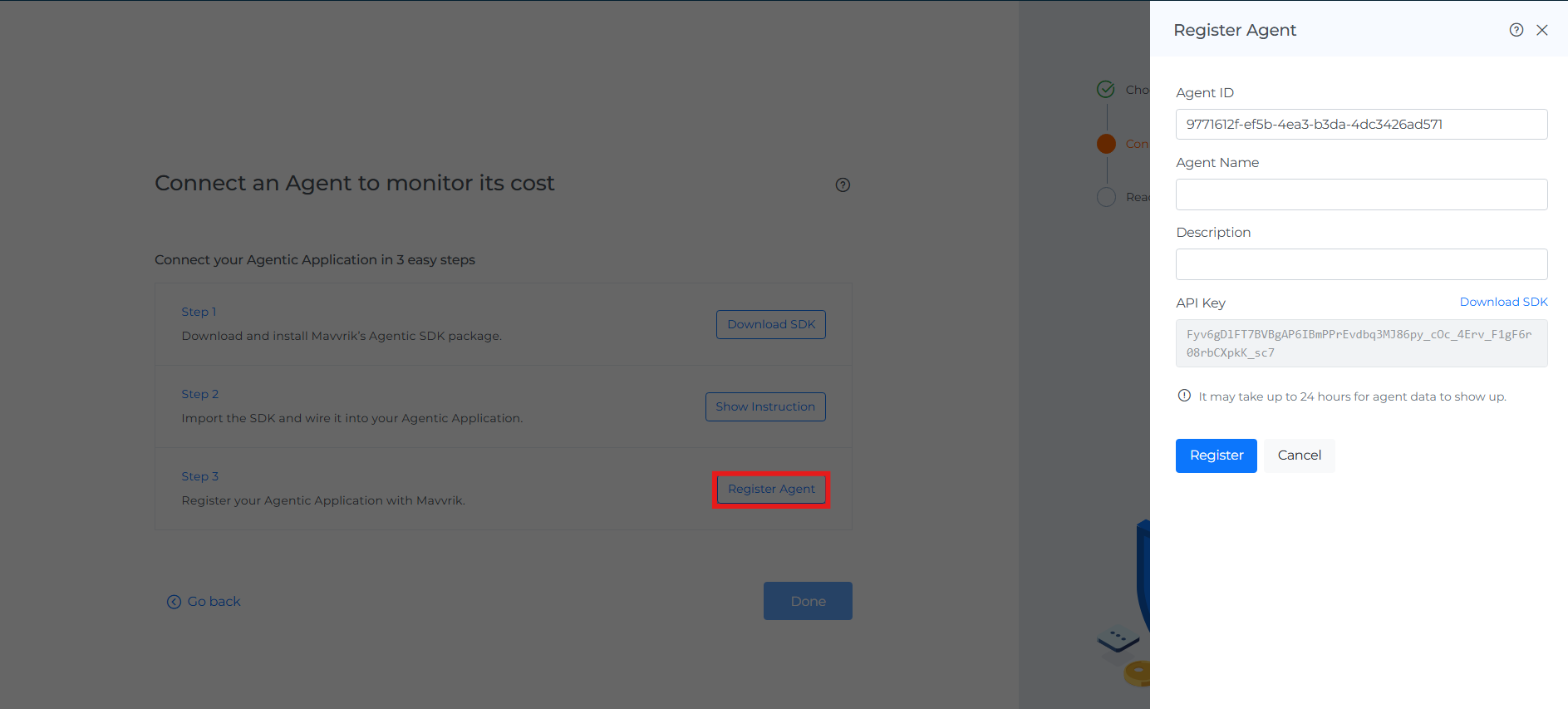
Agent ID - The unique identifier your app will use. It is auto generated, we can change it if you need custom ID in same pattern.
Enter Agent Name - a friendly name for the agent.
Enter Description - optional context
Copy the API key shown
Pre-requisite: API Key should have generated in your tenant.
Click Register. You’ll see the agent listed with a status badge.
NOTE: Keep the Agent ID stable. Use this exact value in your code. It’s how Mavvrik attributes every event and cost to the right agent.
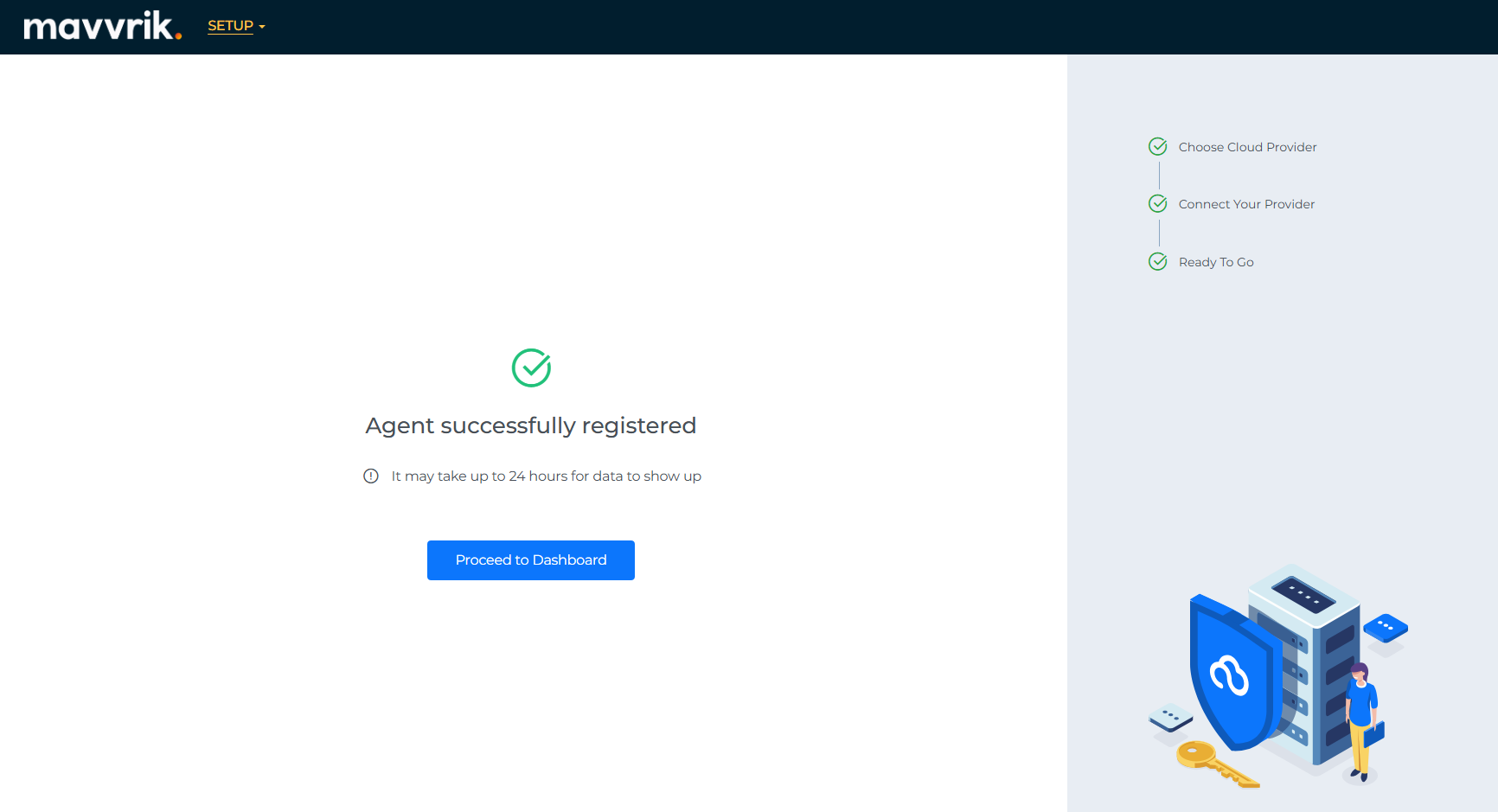
Once registration of agent is done it will show as registered

Click on Done
Click on “Proceed to Dashboard”, you will navigate to agent management dashboard.